...
When are we open?
MON - FR: (10:00 - 18:00)
SAT - By appointment
SUN - Closed

Huawei laptop cleaning — dust removal, overheating prevention and thermal paste replacement

Regular Huawei laptop cleaning helps prevent overheating, reduces fan noise, restores stable performance, and protects internal components from heat-related wear. This is especially important for Huawei’s thin and compact designs, where cooling efficiency directly affects long-term reliability.
Huawei Laptop showned Getting cleaned from dust
Leave your phone number and receive a 10% discount on the first repair of your device

+37256911777

  • Professional Huawei laptop cleaning service
  • Warranty for cleaning and thermal paste replacement
  • Same-day diagnostics available
  • Service center in Tallinn, Estonia

When Huawei Laptop Cleaning Is Needed

Overheating Laptop

1. Huawei laptop overheating

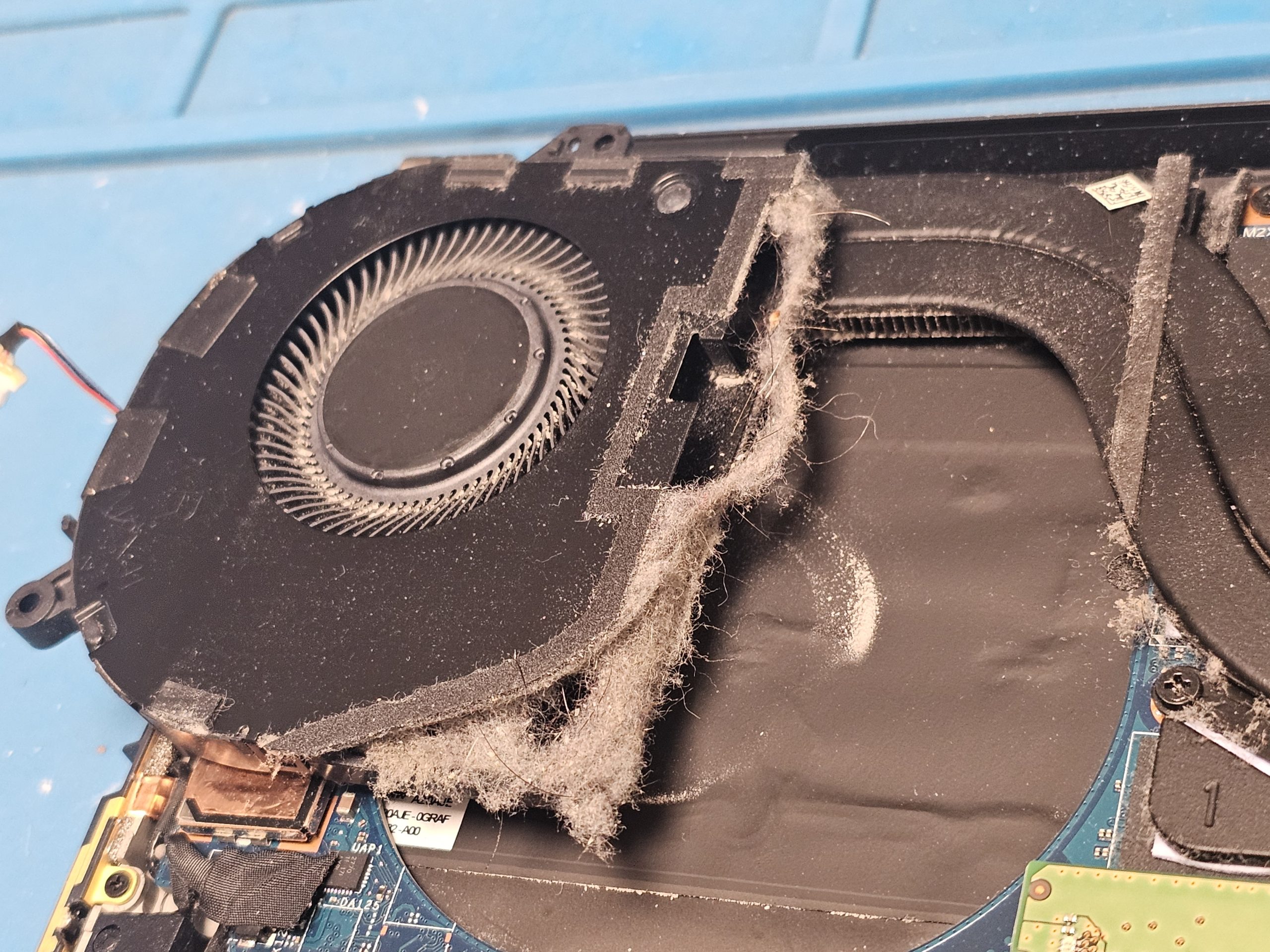
The laptop heats up quickly, the корпус becomes warm, and the cooling fan activates more often than usual. The most common reasons are internal dust buildup and degraded thermal paste.

Laptop Having Perfomance issues because of the dust

3. Reduced system performance

The laptop starts slowing down, responding with delays or brief freezes. Overheating forces the processor to lower its performance to protect itself.

Laptop Having Small Battery Life Because Of The Dust

5. Faster battery discharge

Excessive heat increases power consumption, leading to quicker battery drain and gradual battery degradation.

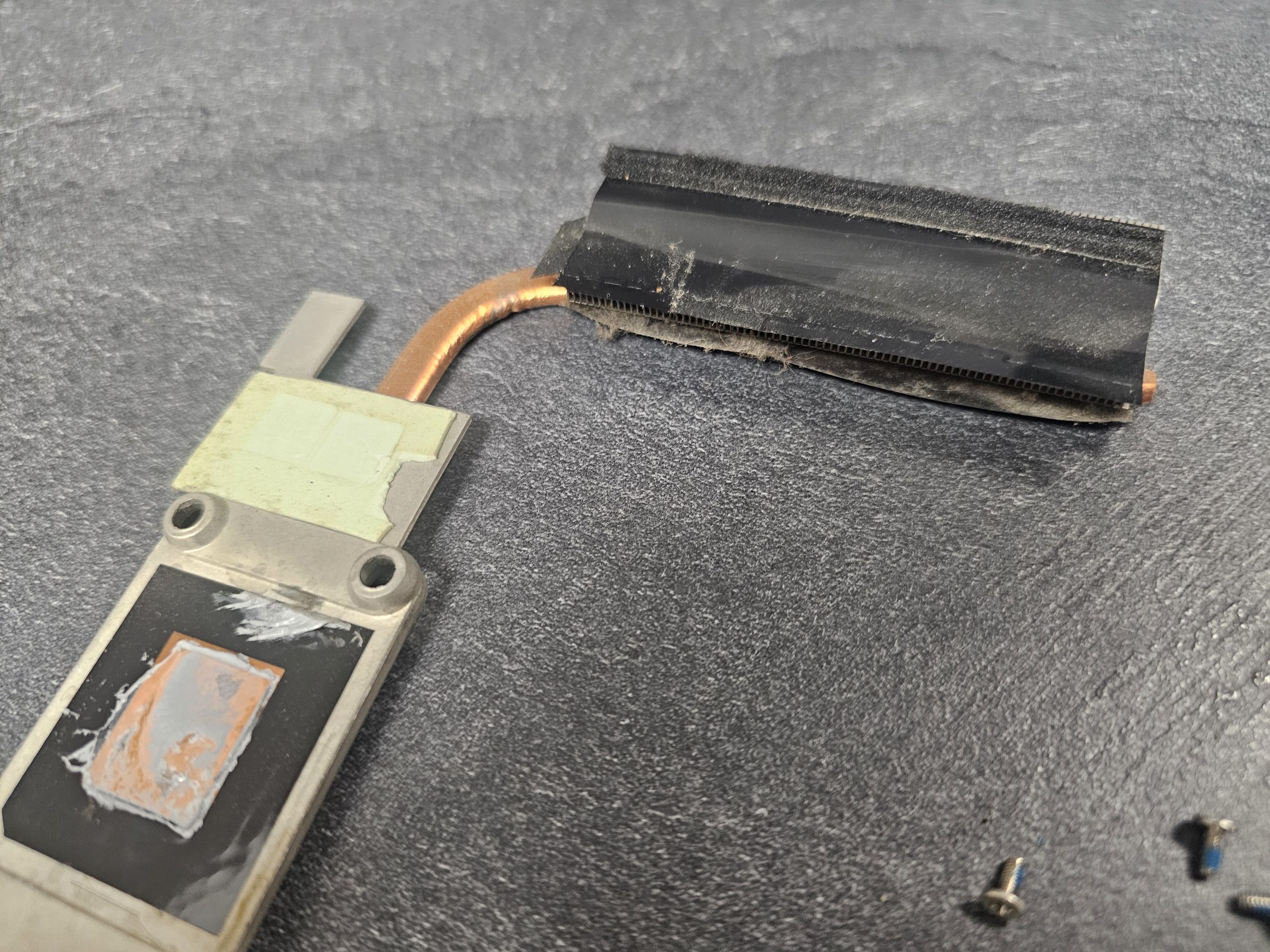
Process of Cleaning Laptop Dust With A Brush

7. Smell of dust or hot air

A faint burning or dusty smell during operation suggests that accumulated dust is overheating inside the chassis.

Laptop having loud fan noise

2. Noticeable fan noise

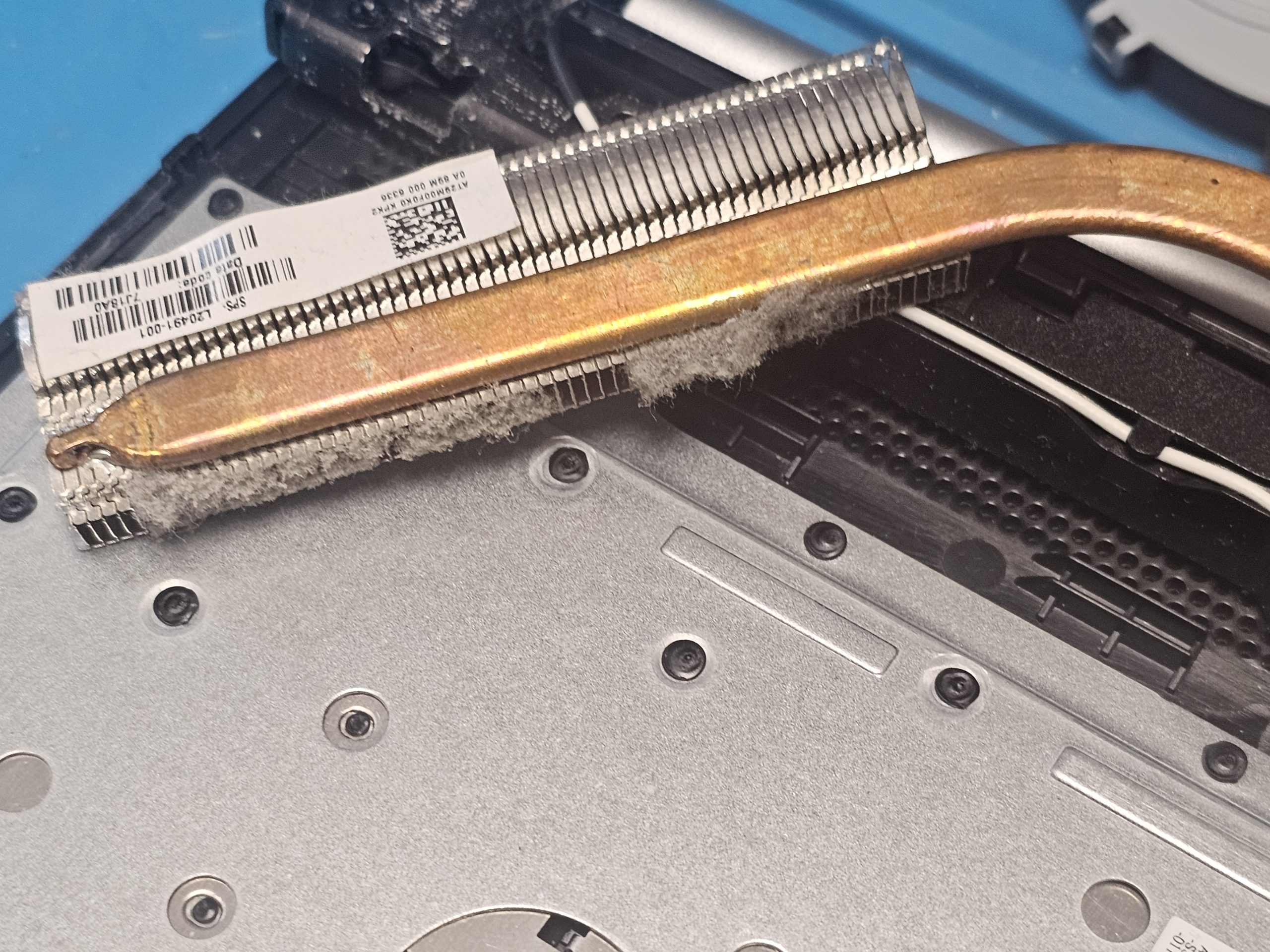
If the Huawei fan runs loudly even during light tasks or idle use, it often indicates restricted airflow caused by dust inside the cooling system.

3. Sudden shutdowns or restarts

When temperatures exceed safe limits, the system may shut down unexpectedly as a built-in safety measure.

Laptop Heating Up Because of the lack of cleaning

6. Laptop heats up without heavy load

Even basic tasks such as browsing or document work cause noticeable warmth, which often signals internal contamination.

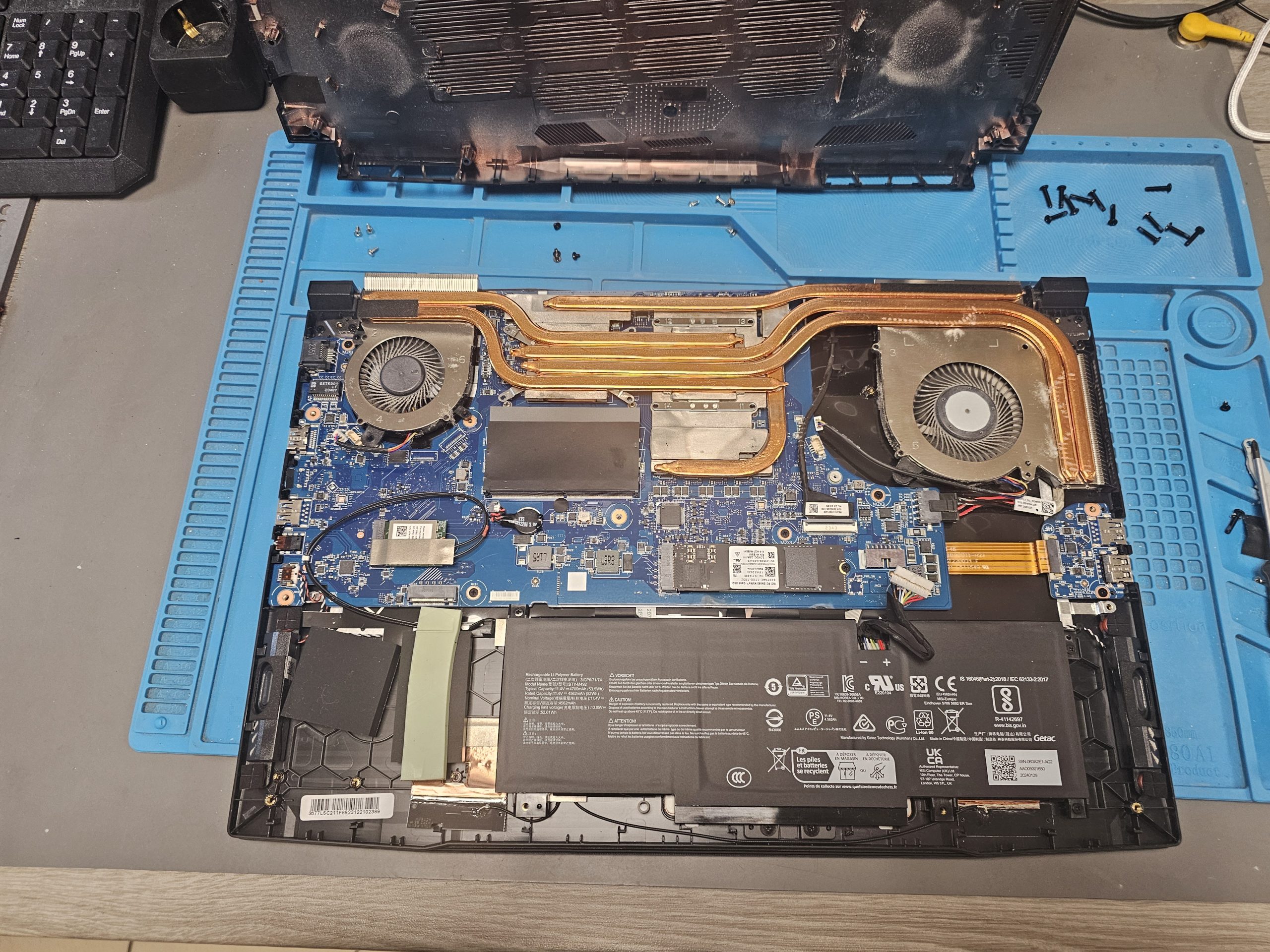
Laptop Shown To Not Have A Dust Cleaning in a Long Time

8. Long time without maintenance

If the Huawei laptop has not been cleaned for more than 12–18 months, preventive servicing is recommended to avoid future hardware failures.

How Huawei Laptop Cleaning Is Performed

1. Initial diagnostics and evaluation

We begin by checking operating temperatures, fan behavior, and contamination level to determine the necessary scope of service.

2. Careful Huawei laptop disassembly

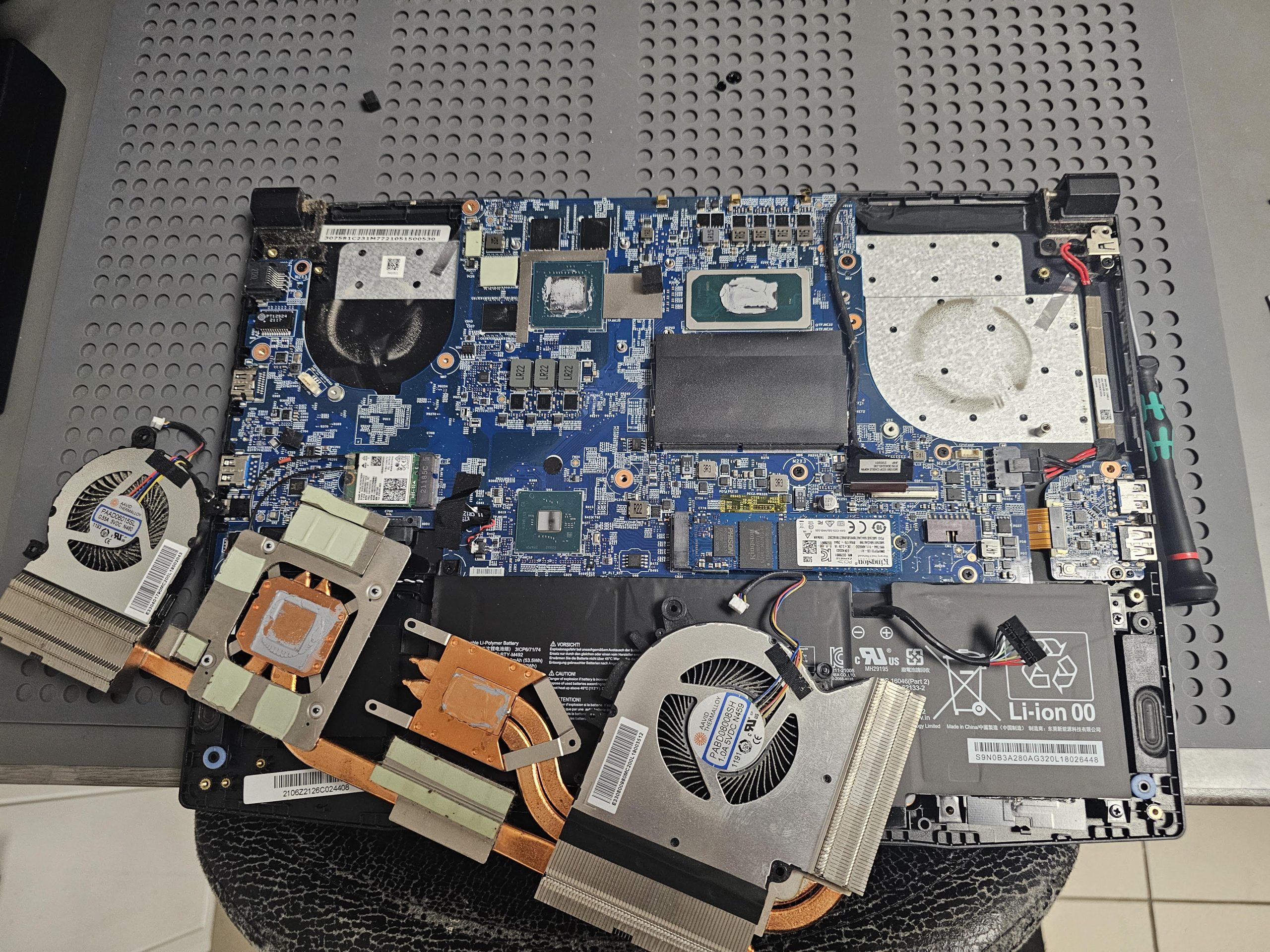
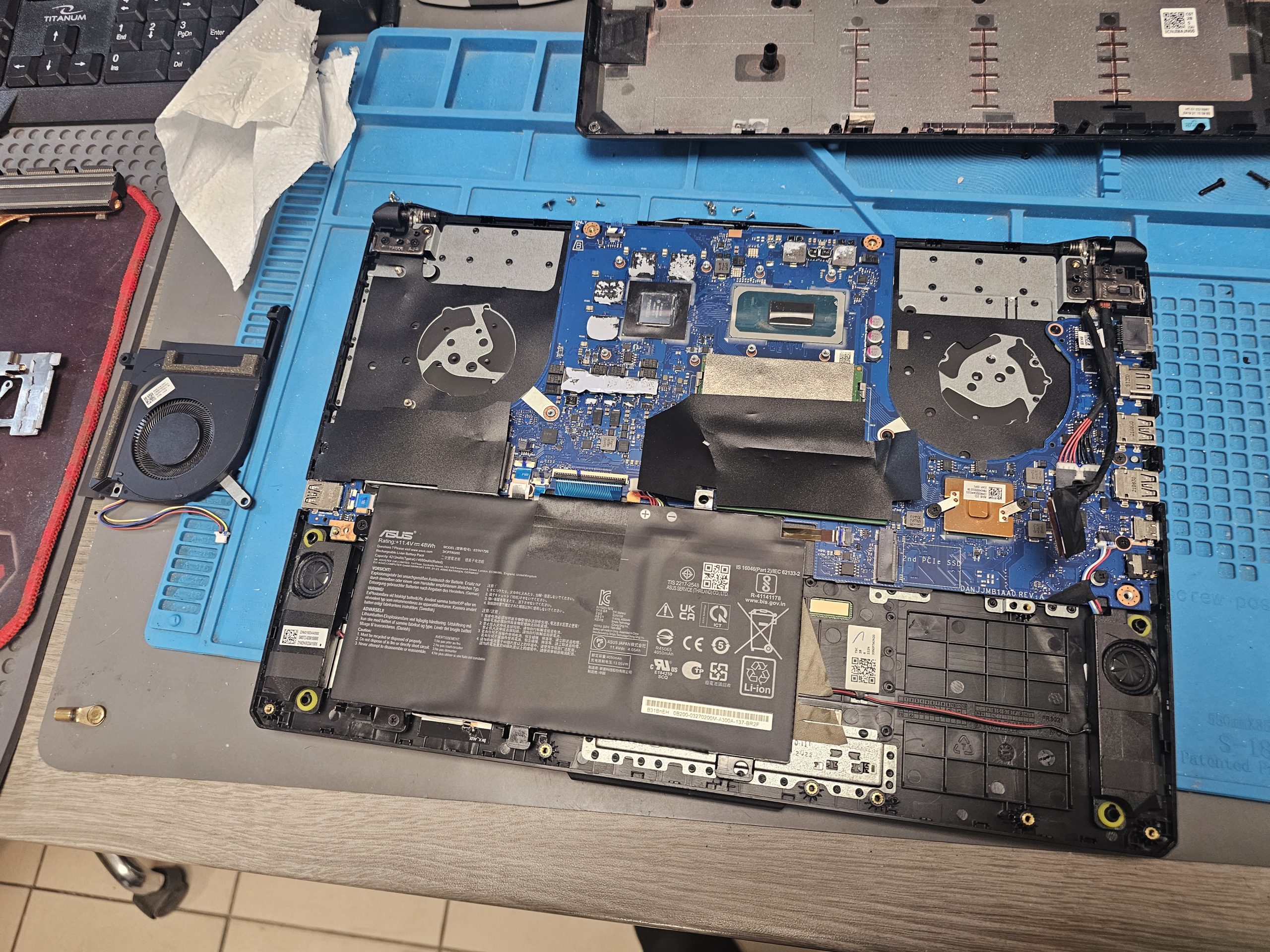
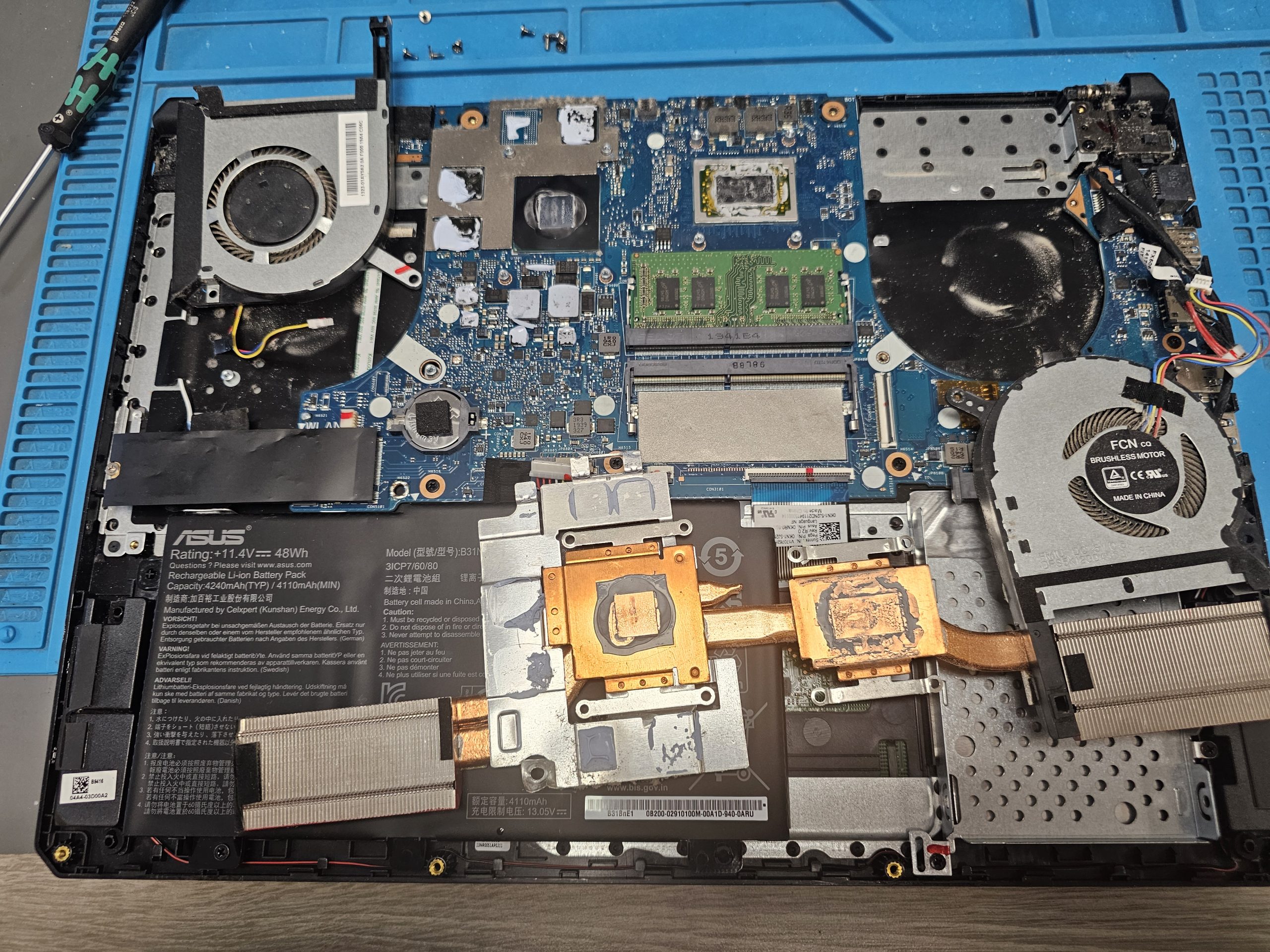
The laptop is disassembled with attention to Huawei’s slim internal layout. All components, cables, and connectors are handled carefully to avoid damage.

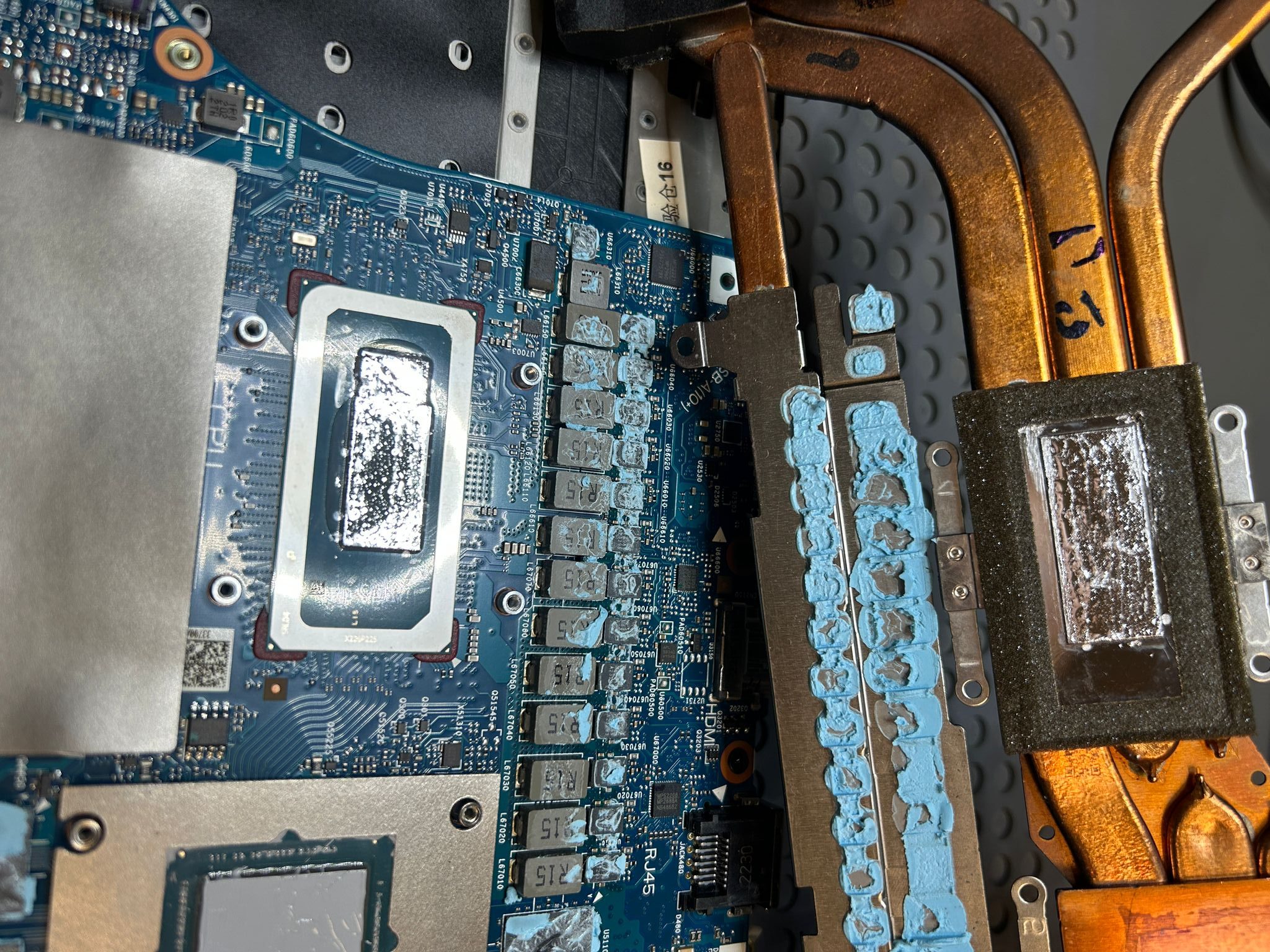
Thermal Paste and Compressed Air picture

3. Cooling system cleaning and thermal interface replacement

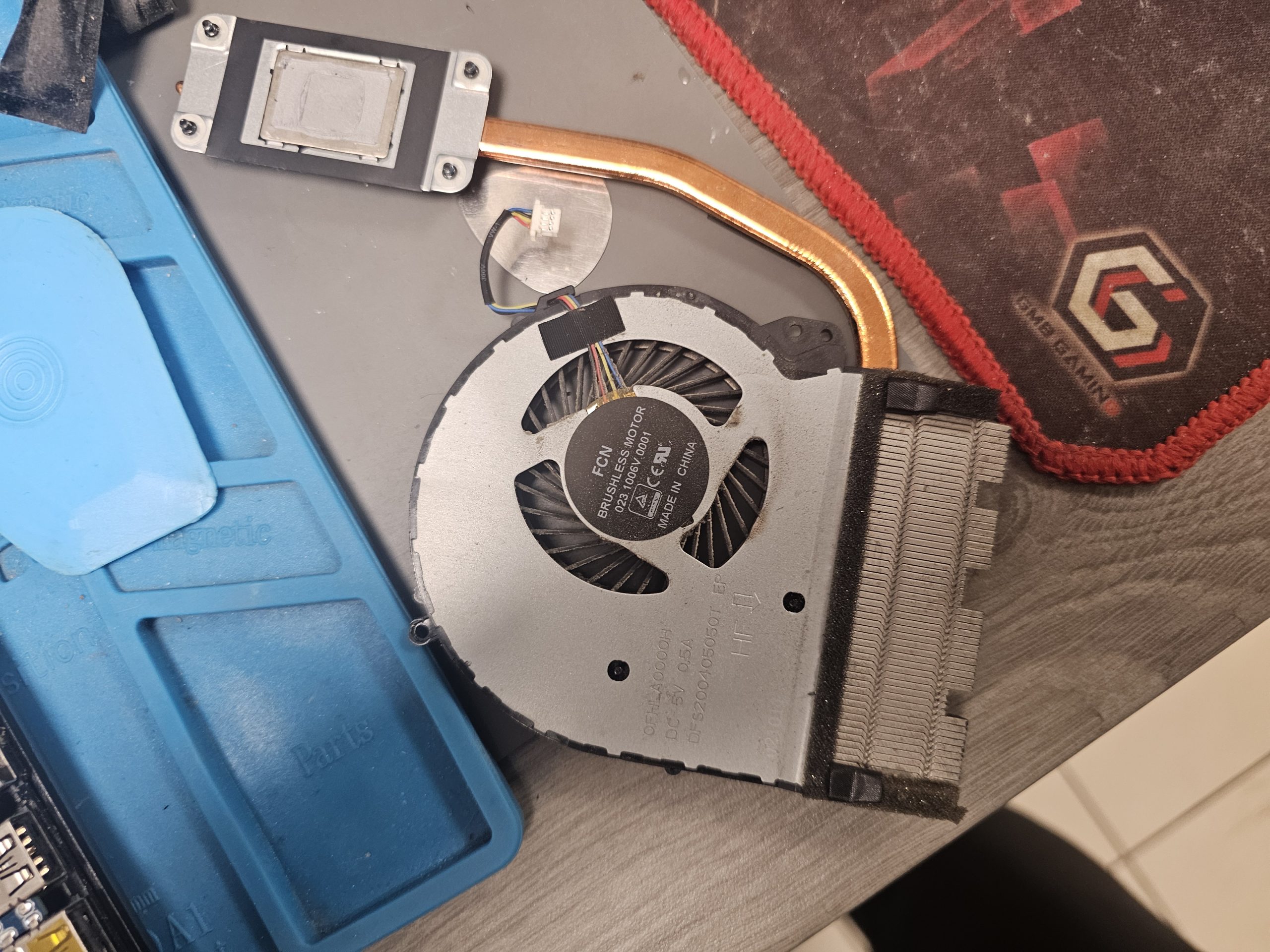
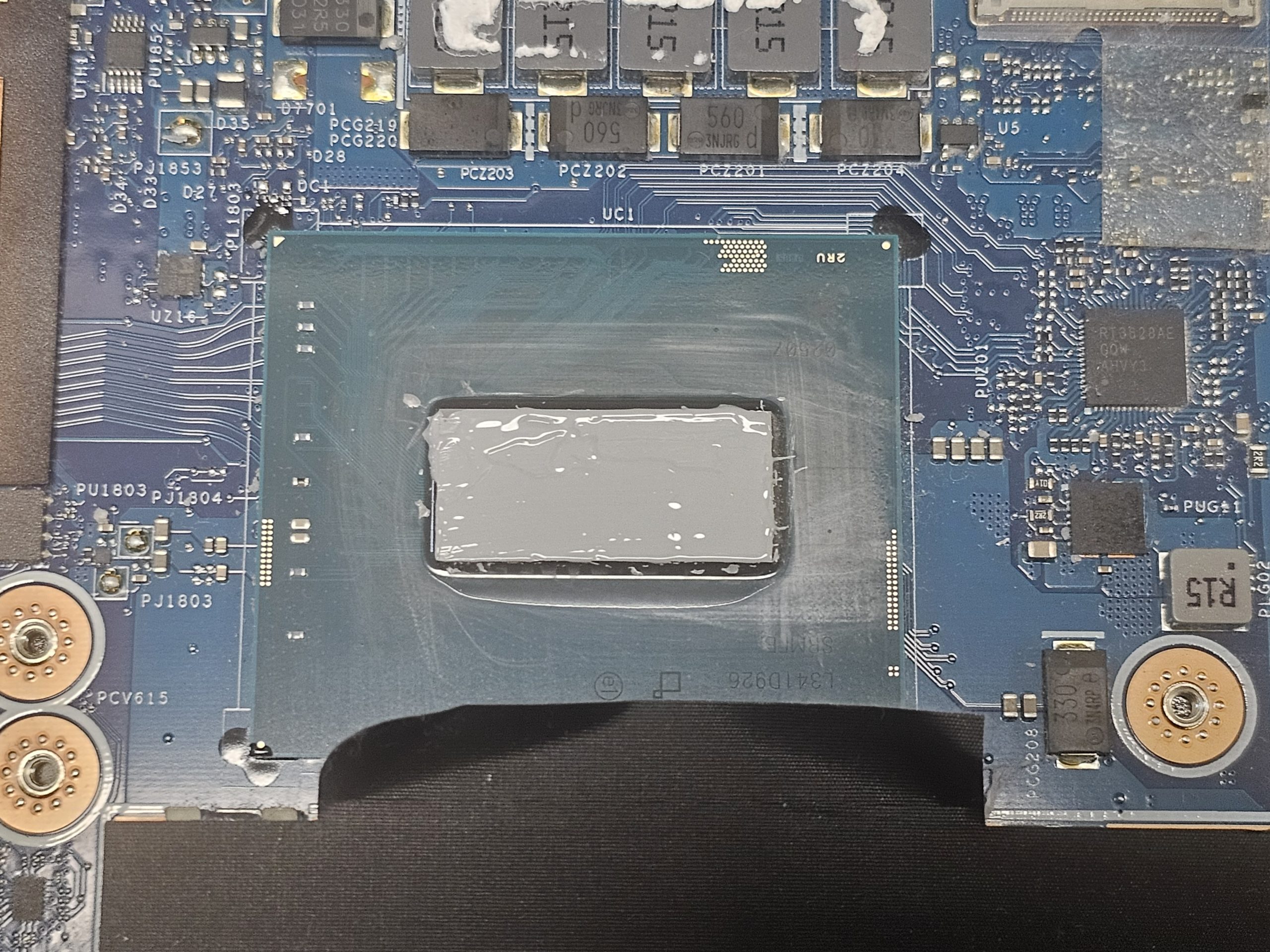
Radiators and fans are thoroughly cleaned from dust. Thermal paste and thermal pads are replaced when needed to restore efficient heat transfer.

4. Reassembly and final testing

After reassembly, the Huawei laptop undergoes testing to verify temperature stability, fan operation, and overall system reliability.

Services and prices

Laptop thermal paste replacement – cooling system service

Thermal paste replacement

from 30
  • 1. Disassembling the laptop
  • 2. Replace the thermal paste
  • 3. Assembling the laptop
  • 4. Temperature testing
Laptop dust cleaning – cooling system maintenance

Dust removal

from 10
  • 1. Disassembling the laptop
  • 2. Dusting
  • 3. Assembling the laptop
  • 4. Temperature testing
Laptop liquid metal replacement – cooling system service

Liquid metal replacement

from 80
  • 1. Disassembling the laptop
  • 2. Metal replacement
  • 3. Assembling the laptop
  • 4. Temperature testing
Laptop cooling fan lubrication with silicone oil – maintenance service

Cooler lubrication

from 10
  • 1. Disassembling the laptop
  • 2. Lubrication of bearings
  • 3. Improved thermal interface
  • 4. Temperature testing
Services Prices
Huawei laptop dust cleaning with thermal paste replacement from €30
Deep Huawei laptop cleaning (disassembly, cooling, thermal materials) from €50
Thermal paste replacement from €20
Liquid metal replacement (if applicable) from €70
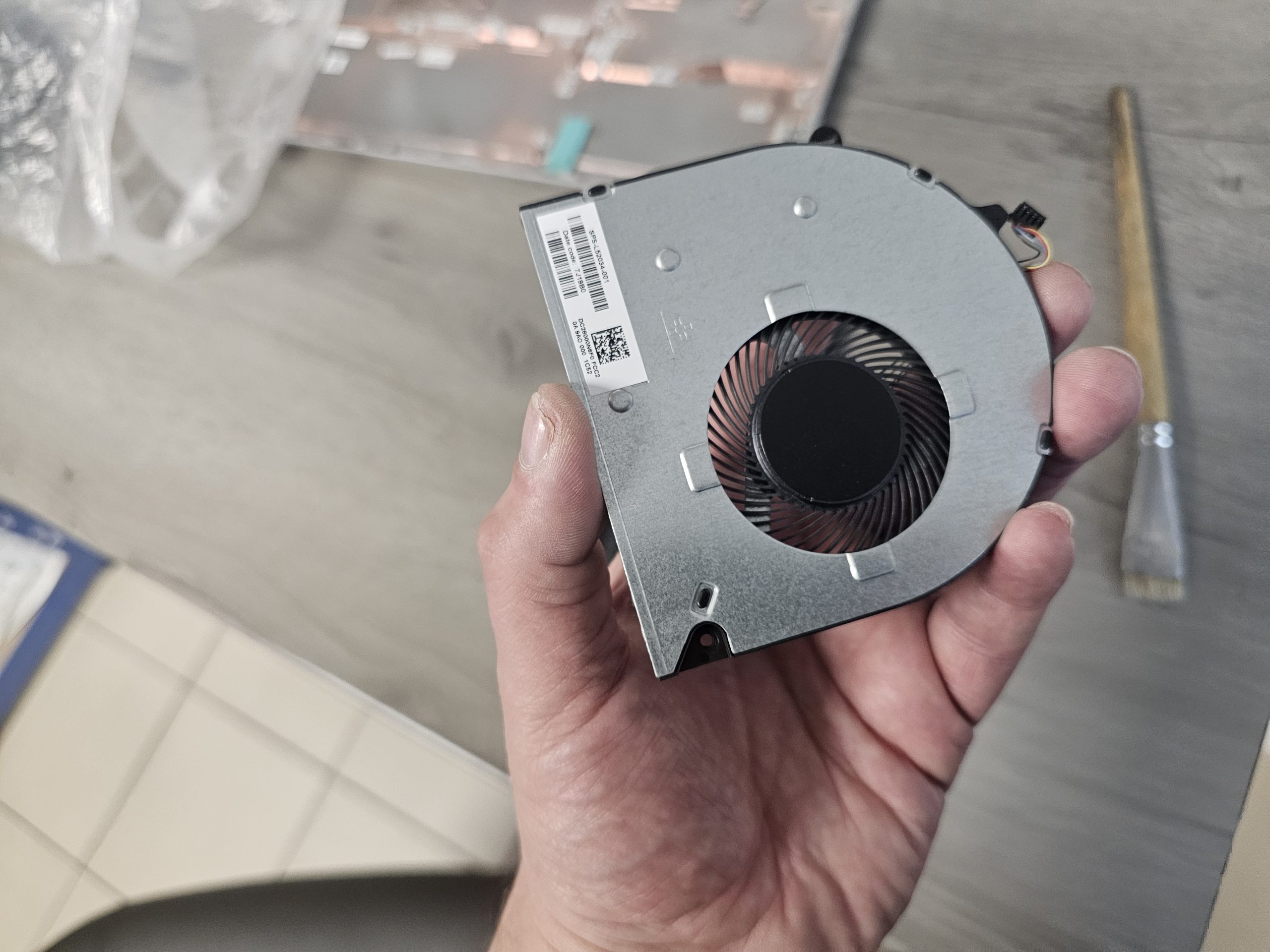
Huawei fan replacement from €30
Cooling system replacement from €50
Additional data protection service during repair and cleaning

Real examples of Huawei laptop cleaning in Tallinn

Reviews, what do people think of us?

Google
★★★★⭐
4.9 / 5
878 Reviews
Google Maps reviews
Reviews from our customers posted on our website

Why choose our Huawei laptop cleaning service in Tallinn?

  • Professional cleaning for all Huawei laptop models
  • Complete disassembly and deep cooling system cleaning
  • Thermal paste and thermal pads replacement included
  • Elimination of overheating, fan noise and performance issues
  • Safe service following manufacturer standards
  • Warranty on cleaning and maintenance
  • Fast service and transparent fixed pricing
Pc Repair Mechanic Holding Clean laptop after cleaning and showing thumbs up

Why do clients choose our service?

Reliable computer repair guarantee

We are so confident in the quality of our service that we offer a guarantee on all work carried out. The warranty period depends on the type and complexity of the repair and the equipment. Our warranty only covers the work that has been carried out, which allows us to ensure a high level of responsibility and reliability. If you have any problems after the repair, we will deal with them immediately. Our guarantee is your peace of mind and confidence in the reliability of our work.

We strive to ensure that our customers in Tallinn receive the best computer repair service. By choosing us, you are choosing quality, efficiency, customer focus and a reliable warranty.

Reliable warranty for computer repair

Customer orientation

We value each customer and offer an individual approach to each order. We have bonus schemes and discounts for regular customers, making our services even more profitable.

The ability to call a specialist to your home or office allows you to save time and receive quality service on site. Free parking and easy access to the workshop make it convenient for you to visit us. We have also created an accessible infrastructure for customers with disabilities so that everyone can use our services without barriers.

Client-oriented and individual approach

Fast and efficient computer repair

We understand the importance of getting your equipment back up and running quickly. Our engineers carry out repairs within a day, minimising downtime and getting you back to work quickly.

Our in-house stock and established supply chains with suppliers ensure we have access to all the parts you need, speeding up the repair process. We pride ourselves on our responsiveness and always strive to get your equipment repaired as quickly as possible.

Fast and efficient computer repair

Get your computer repaired to the highest standards

We offer high quality computer repair services in Tallinn. Our specialists with more than 20 years of experience guarantee professionalism and reliability. We use only professional equipment, which ensures the accuracy and durability of the work performed. Conveniently located workshop allows our craftsmen to work efficiently and with high quality, providing customers with excellent results. When you trust us, you get reliable repairs that extend the life of your equipment.
High quality computer repair

Dust accumulates over time and thermal paste loses efficiency, reducing heat dissipation even during basic tasks.

Yes. Low noise does not always mean effective cooling, especially in thin Huawei models.

Standard cleaning includes dust removal and thermal paste replacement. Deep cleaning involves full disassembly, complete cooling system cleaning, thermal interface replacement, and post-service testing.

It is technically possible, but not recommended. Without replacing thermal paste, overheating usually returns.

Yes. Professional servicing follows proper procedures and uses anti-static protection. Risks mainly arise from DIY cleaning.

Persistent overheating, performance loss, accelerated battery wear, and potential motherboard damage.

Yes. Professional cleaning does not void warranty when performed correctly.

Huawei laptops often feature compact designs and integrated cooling solutions that require careful handling and experience.

Typically 1–2 hours. Heavily contaminated devices may require more time.

Scroll to Top