...
    When are we open?
    MON - FR: (10:00 - 18:00)
    SAT - By appointment
    SUN - Closed

    Lenovo laptop cleaning — overheating and noise reduction, thermal paste replacement

    Regular Lenovo laptop cleaning helps eliminate overheating, excessive fan noise, and performance drops, prevents CPU/GPU throttling and unexpected shutdowns, extends the lifespan of the device, and ensures stable, quiet operation both in everyday use and under heavy load.
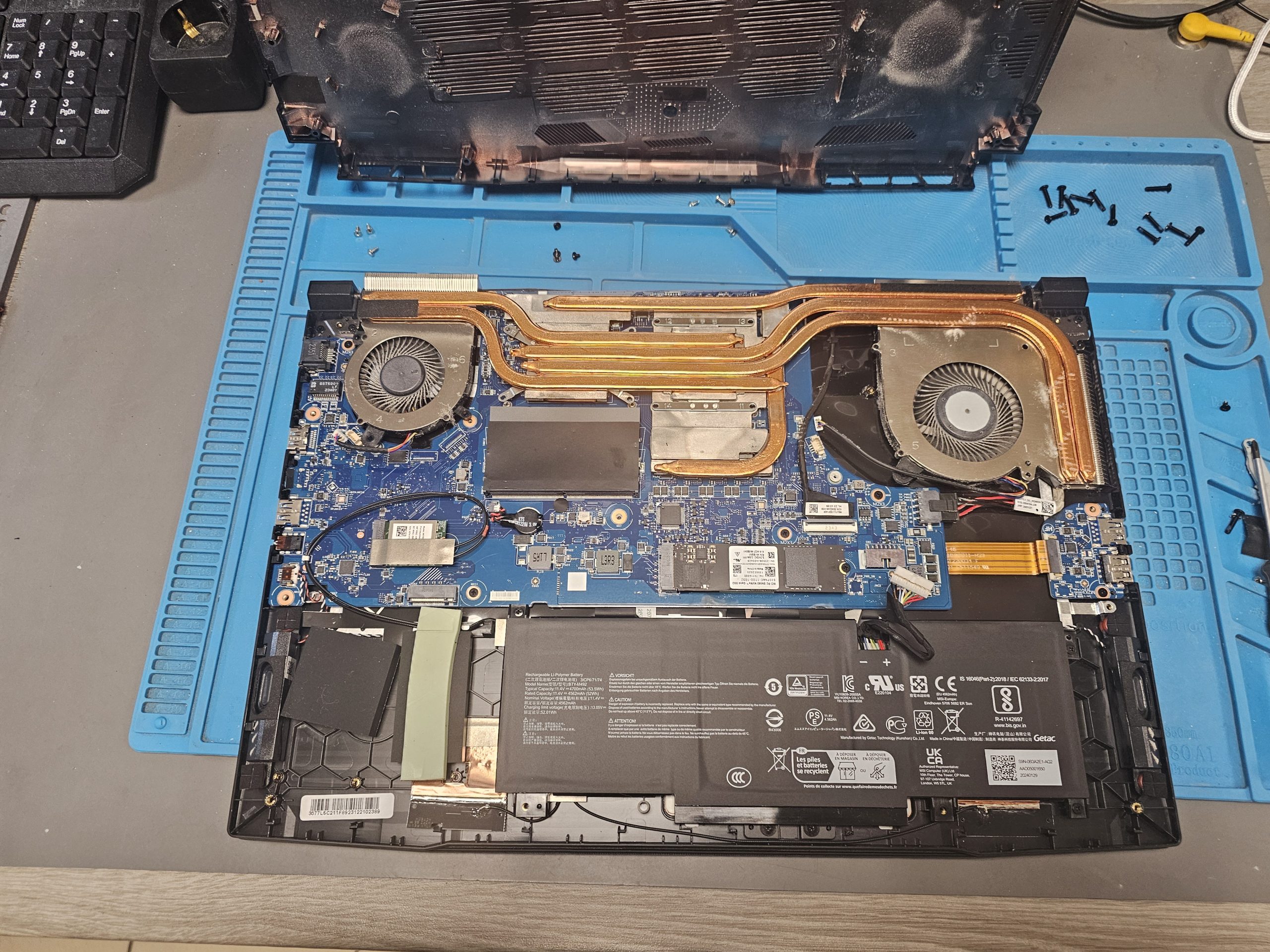
    Lenovo Laptop shown being clean from dust
    Leave your phone number and receive a 10% discount on the first repair of your device

    +37256911777

    • Professional Lenovo laptop cleaning service
    • Warranty for cleaning and thermal paste replacement
    • Same-day diagnostics available
    • Service center in Tallinn, Estonia

    Reviews, what do people think of us?

    Google
    ★★★★⭐
    4.9 / 5
    946 Reviews
    Google Maps reviews
    Reviews from our customers posted on our website

    Services and prices

    Laptop thermal paste replacement – cooling system service

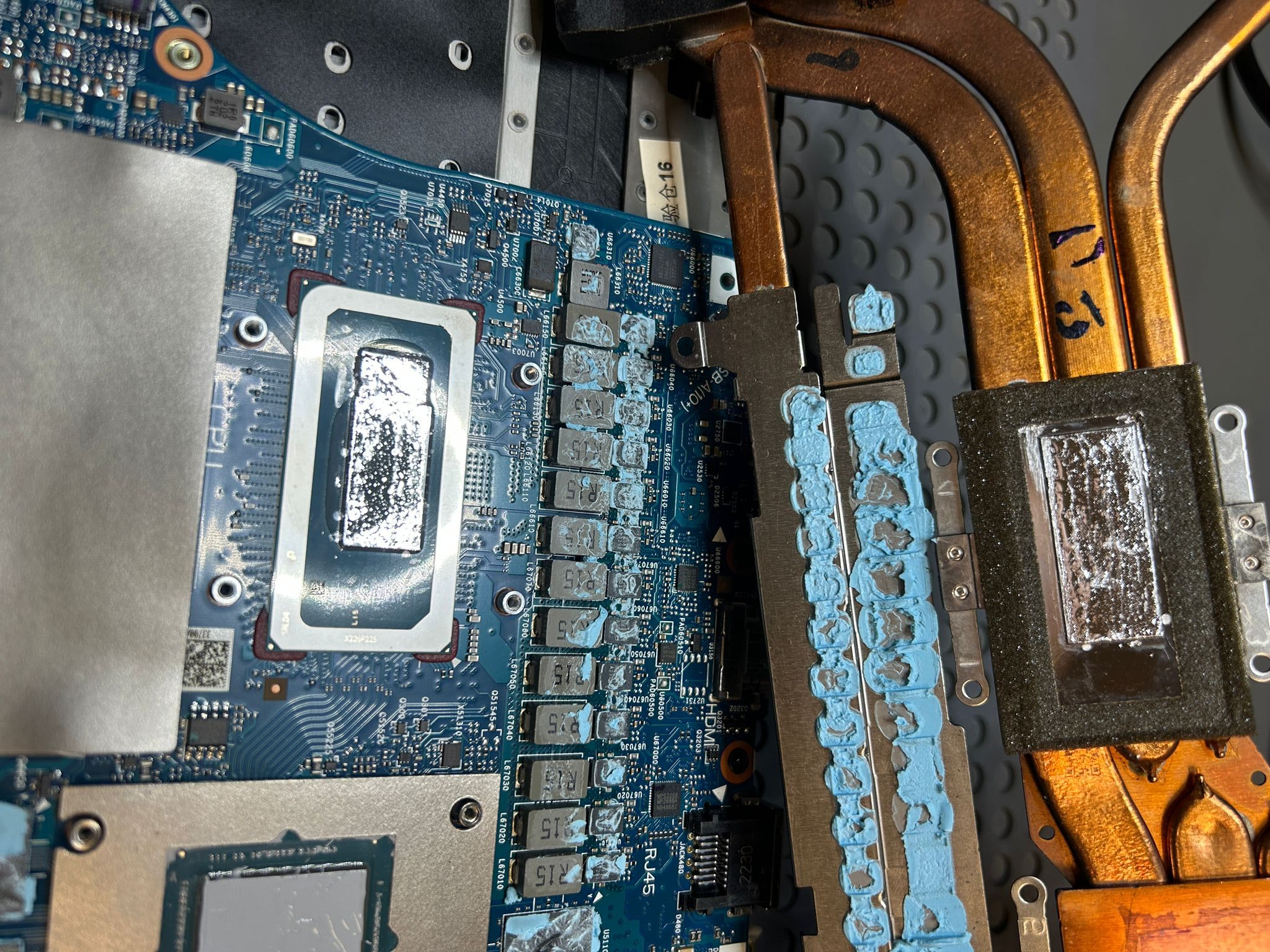
    Thermal paste replacement

    from 30€
    • 1. Disassembling the laptop
    • 2. Replace the thermal paste
    • 3. Assembling the laptop
    • 4. Temperature testing
    Laptop dust cleaning – cooling system maintenance

    Dust removal

    from 10€
    • 1. Disassembling the laptop
    • 2. Dusting
    • 3. Assembling the laptop
    • 4. Temperature testing
    Laptop liquid metal replacement – cooling system service

    Liquid metal replacement

    from 80€
    • 1. Disassembling the laptop
    • 2. Metal replacement
    • 3. Assembling the laptop
    • 4. Temperature testing
    Laptop cooling fan lubrication with silicone oil – maintenance service

    Cooler lubrication

    from 10€
    • 1. Disassembling the laptop
    • 2. Lubrication of bearings
    • 3. Improved thermal interface
    • 4. Temperature testing
    Services Prices
    Lenovo laptop dust cleaning with thermal paste replacement from €30
    Deep Lenovo laptop cleaning (disassembly, cooling, thermal materials) from €50
    Thermal paste replacement from €20
    Liquid metal replacement (if applicable) from €70
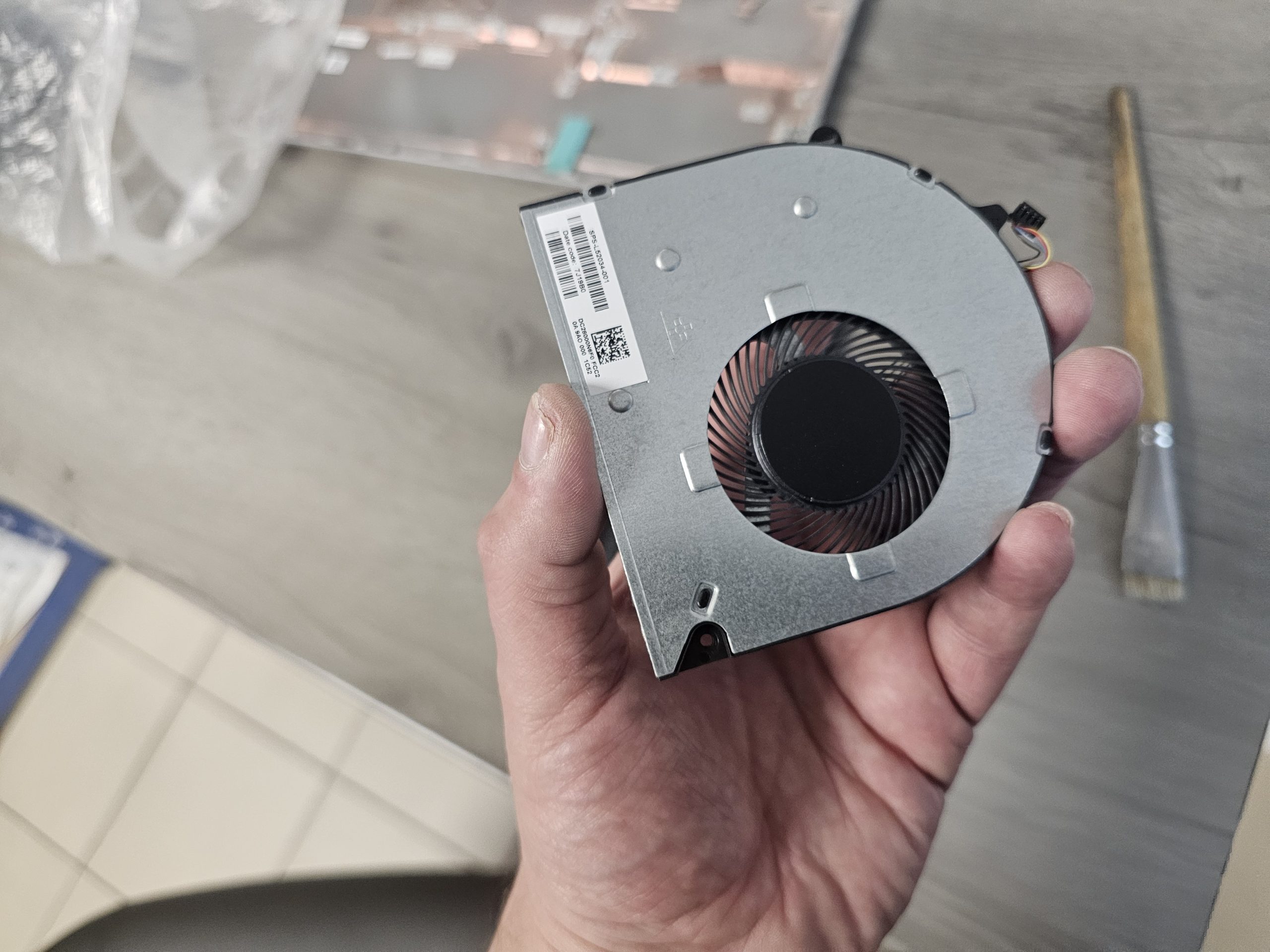
    Lenovo fan replacement from €30
    Cooling system replacement from €50
    Additional data protection service during repair and cleaning

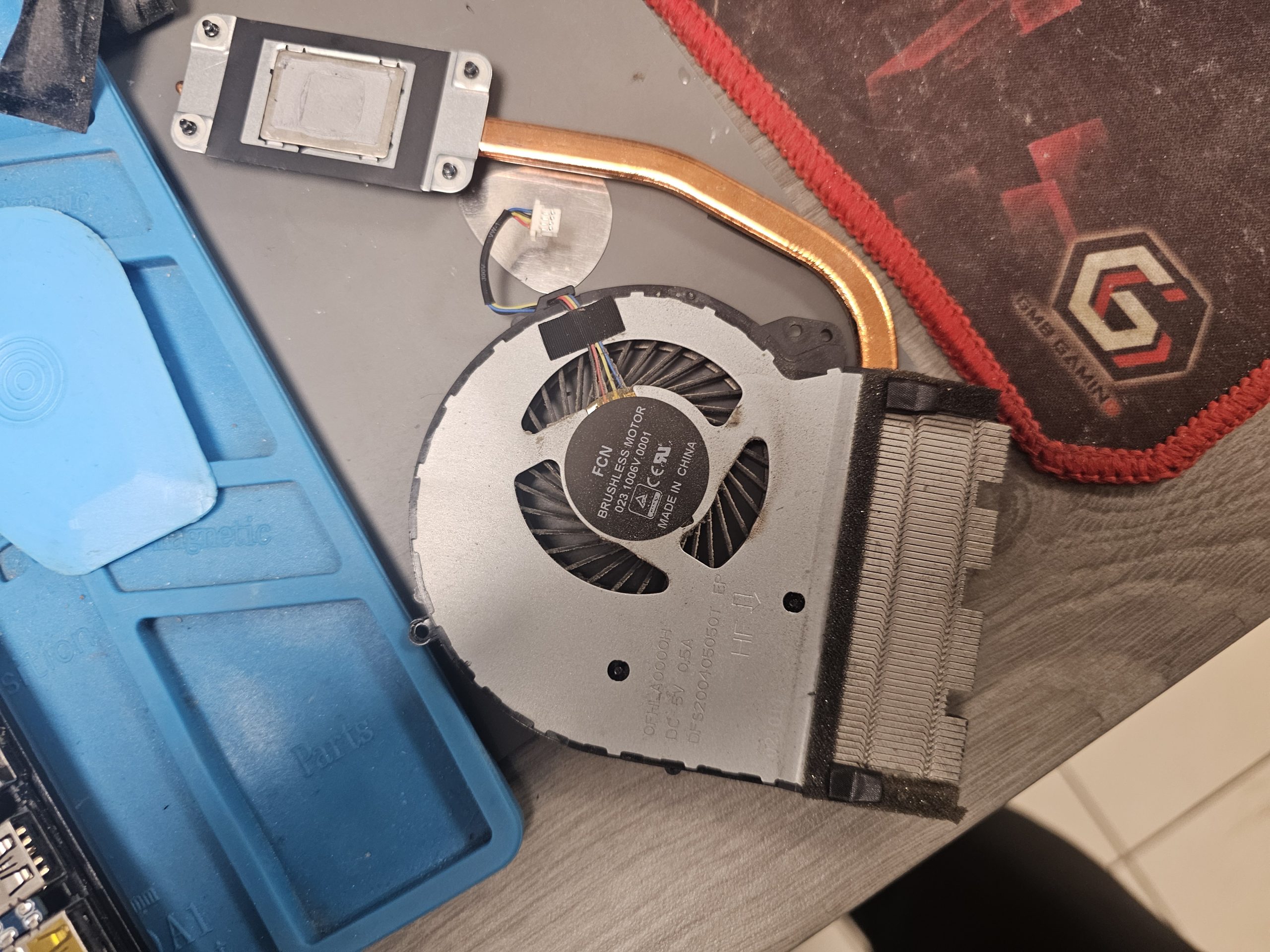
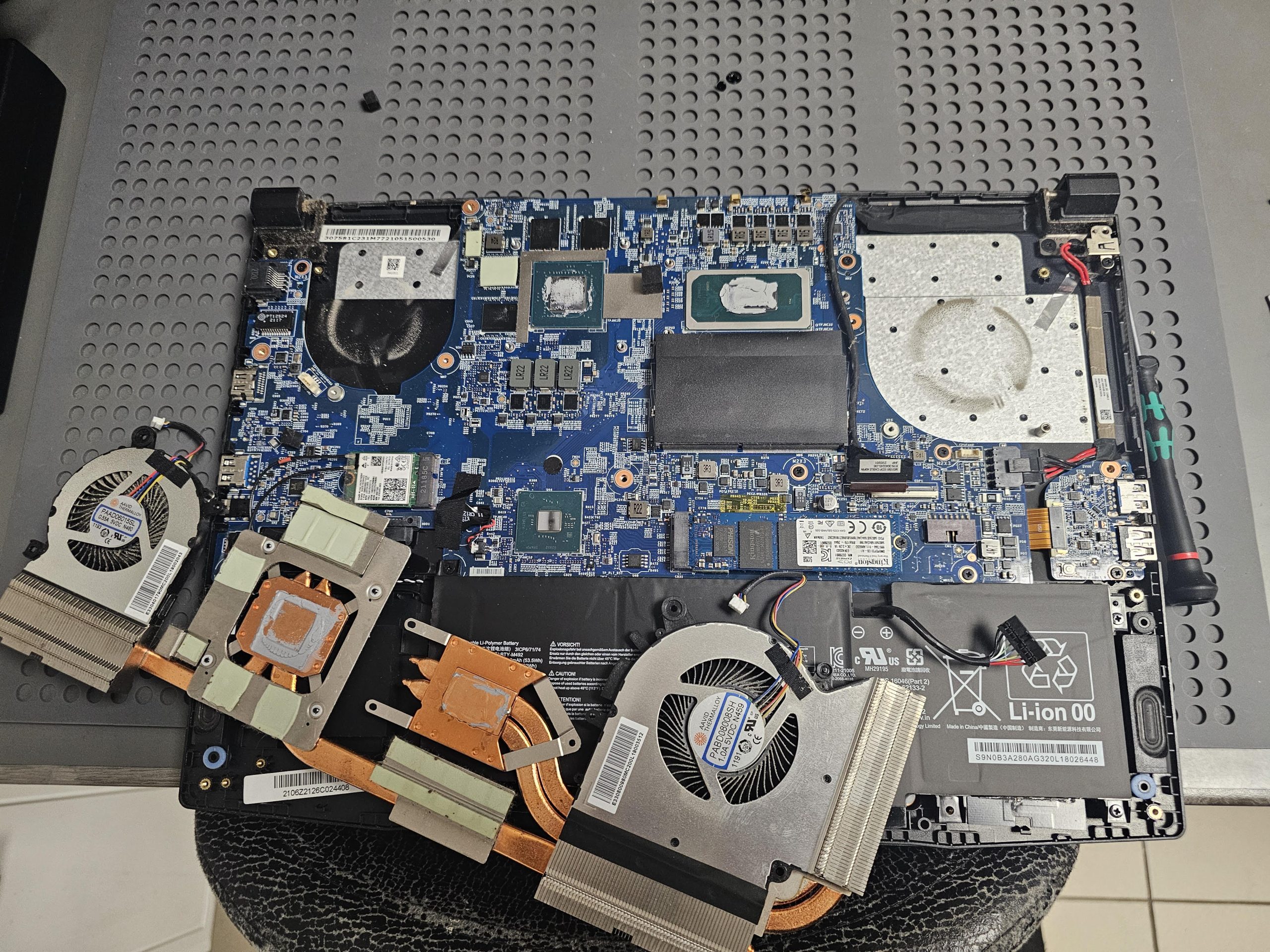
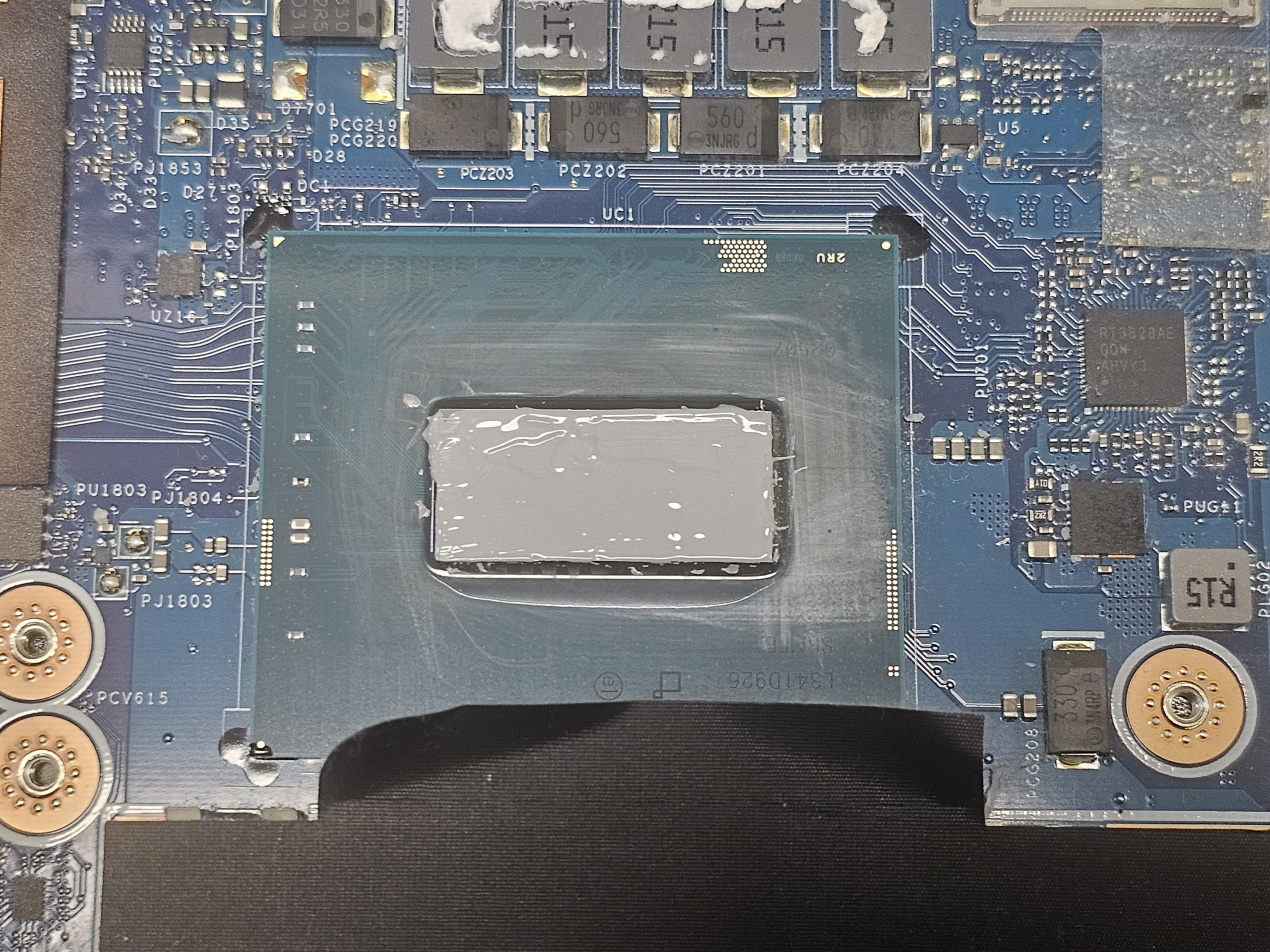
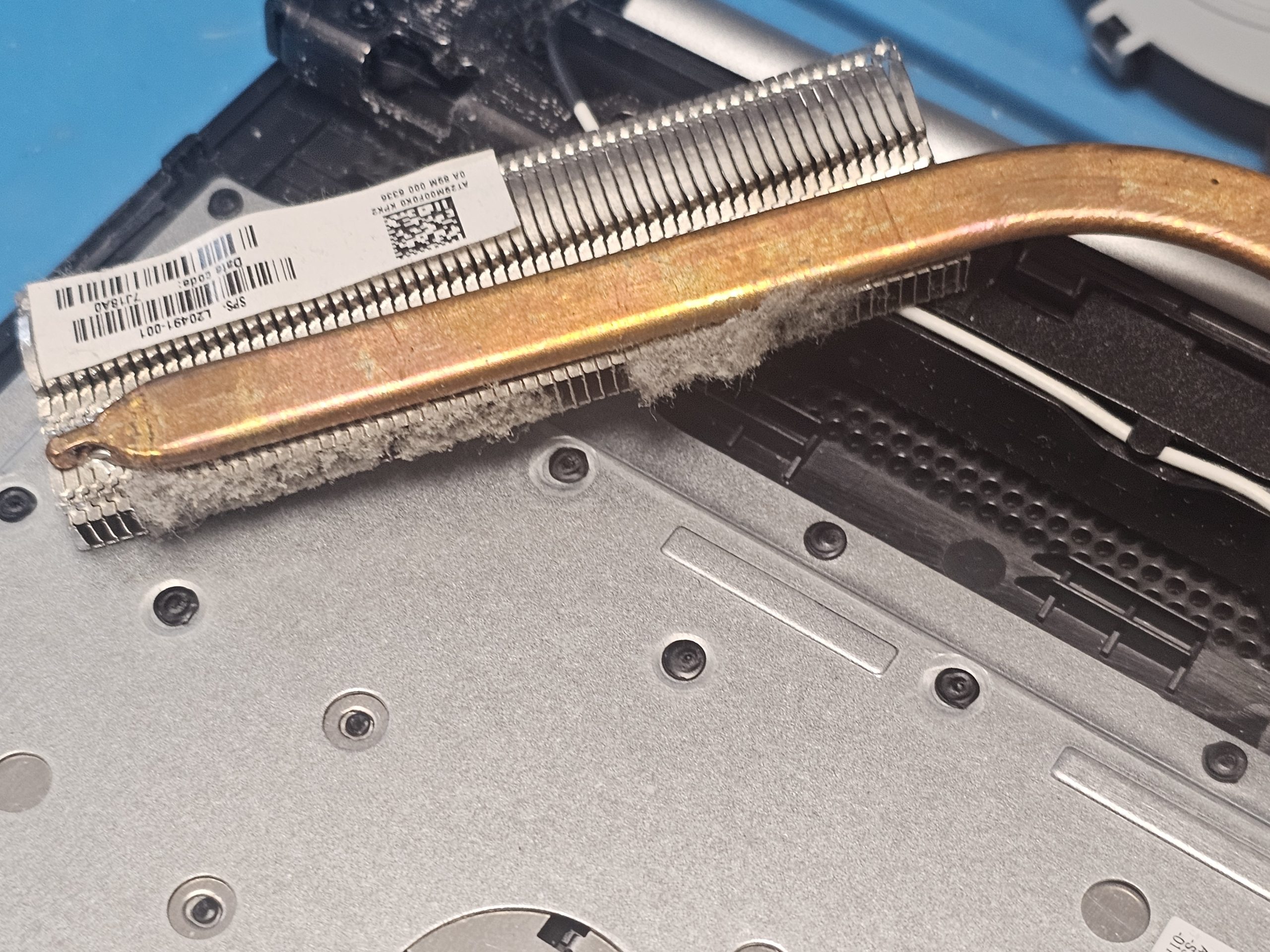
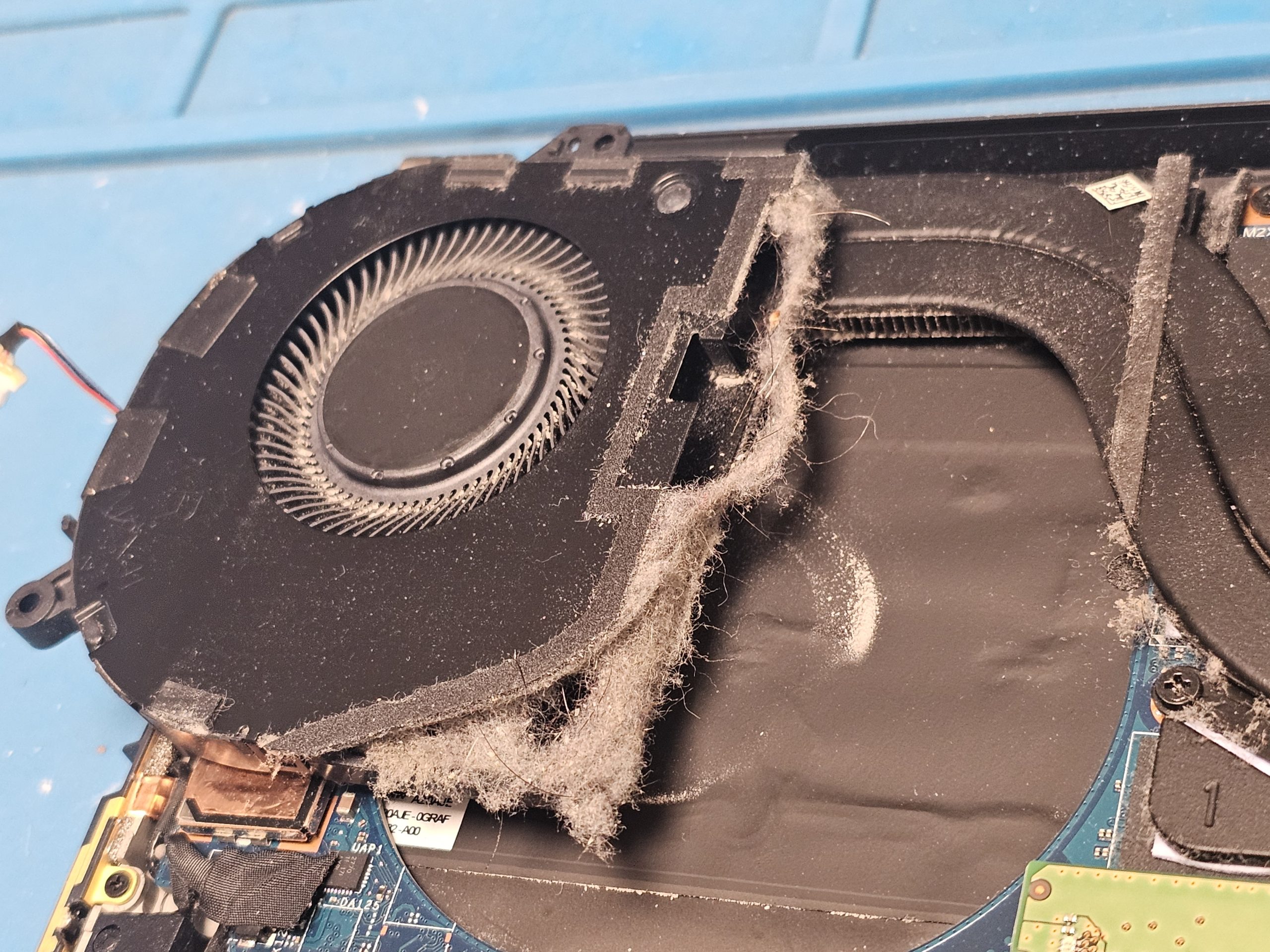
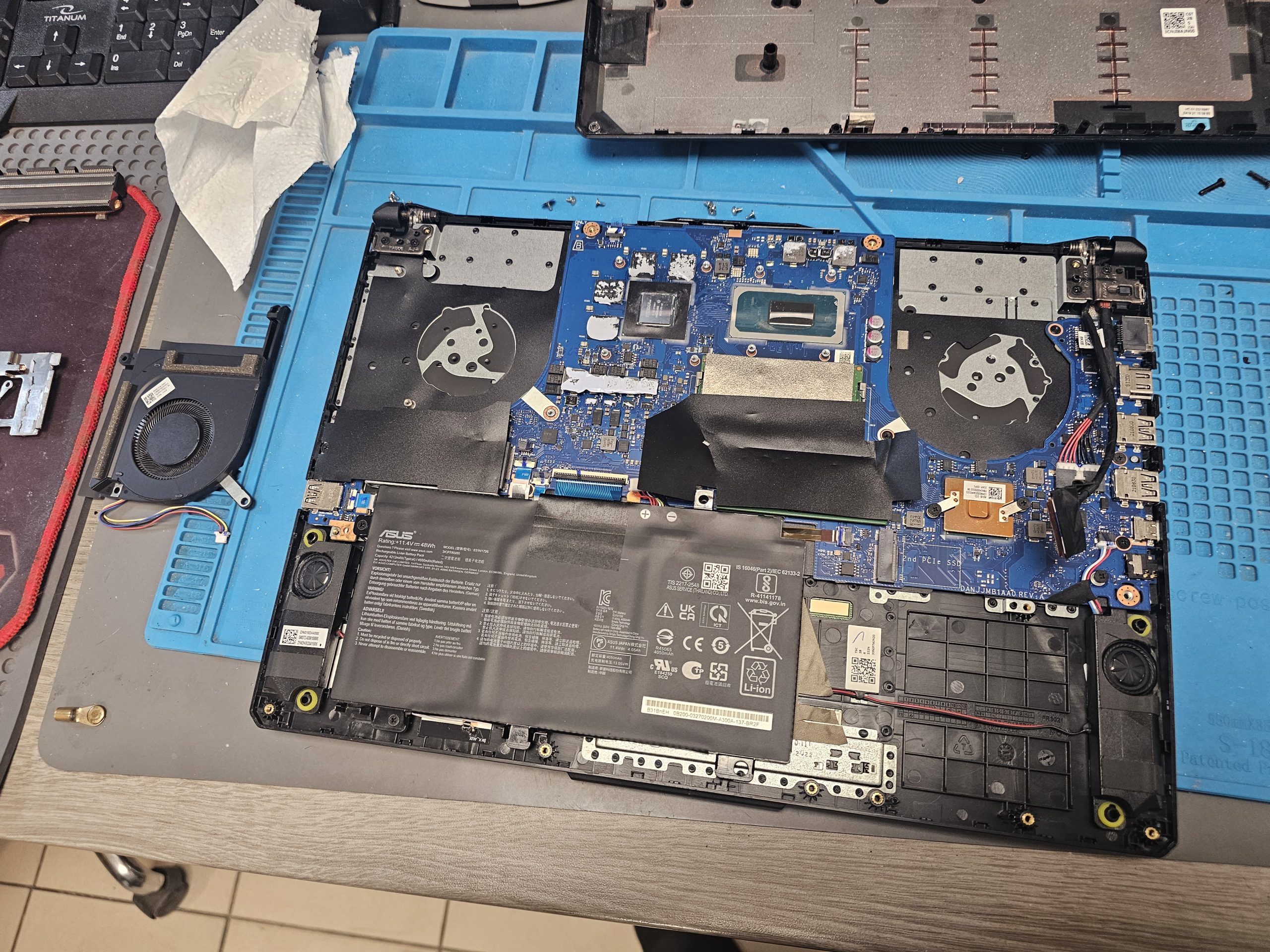
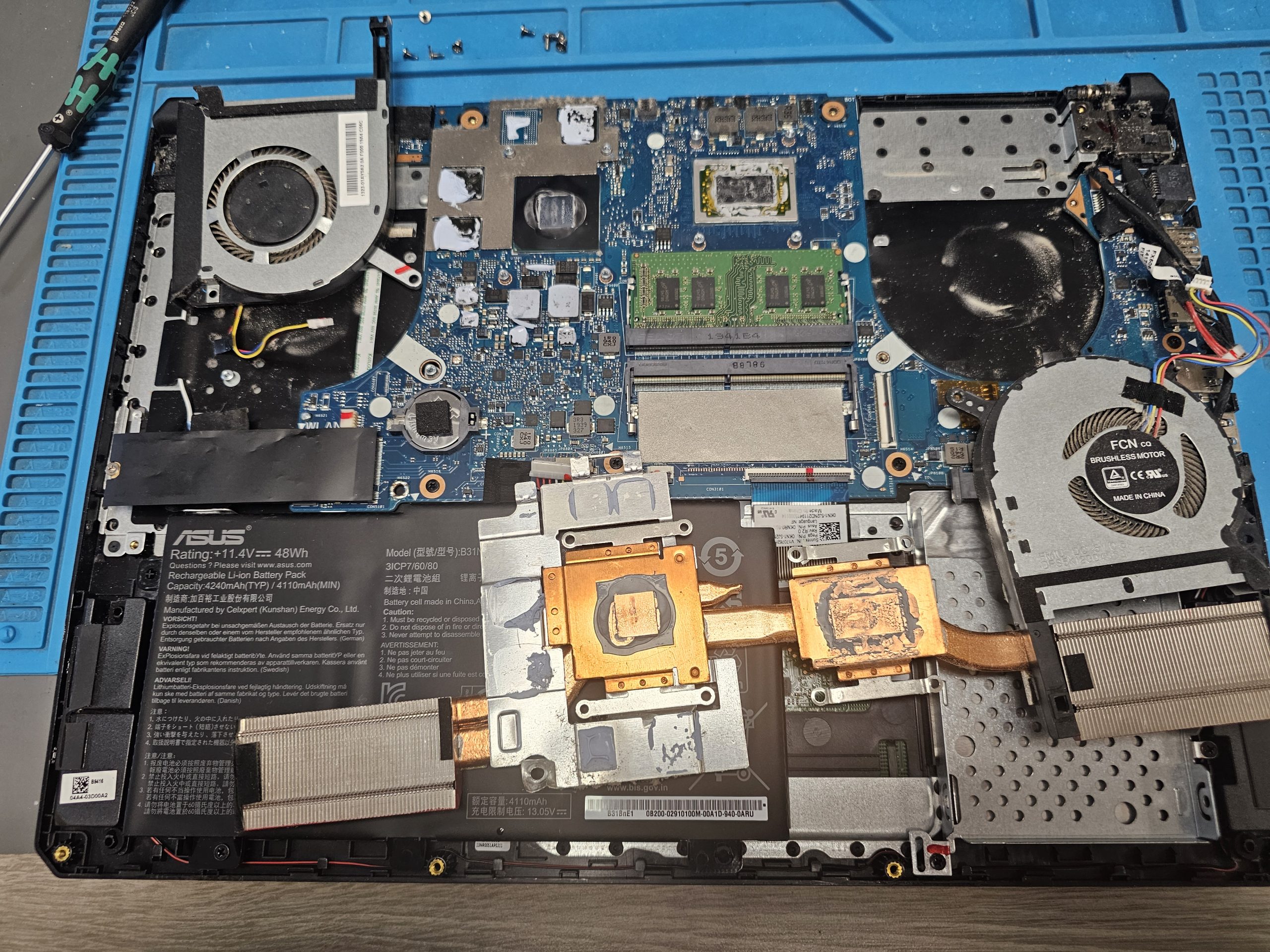
    Real examples of Lenovo laptop cleaning in Tallinn

    How Lenovo Laptop Cleaning Is Performed

    Diagnostics and preparation

    Before starting, we carry out initial diagnostics of the Lenovo laptop: checking contamination level, cooling system condition, and operating temperatures. This helps define the correct scope of work.

    Careful disassembly of the Lenovo laptop

    The laptop is carefully disassembled using appropriate tools and manufacturer-specific procedures to avoid damage to the motherboard, cables, connectors, and other sensitive parts.

    Thermal Paste and Compressed Air picture

    Cooling system cleaning and thermal interface replacement

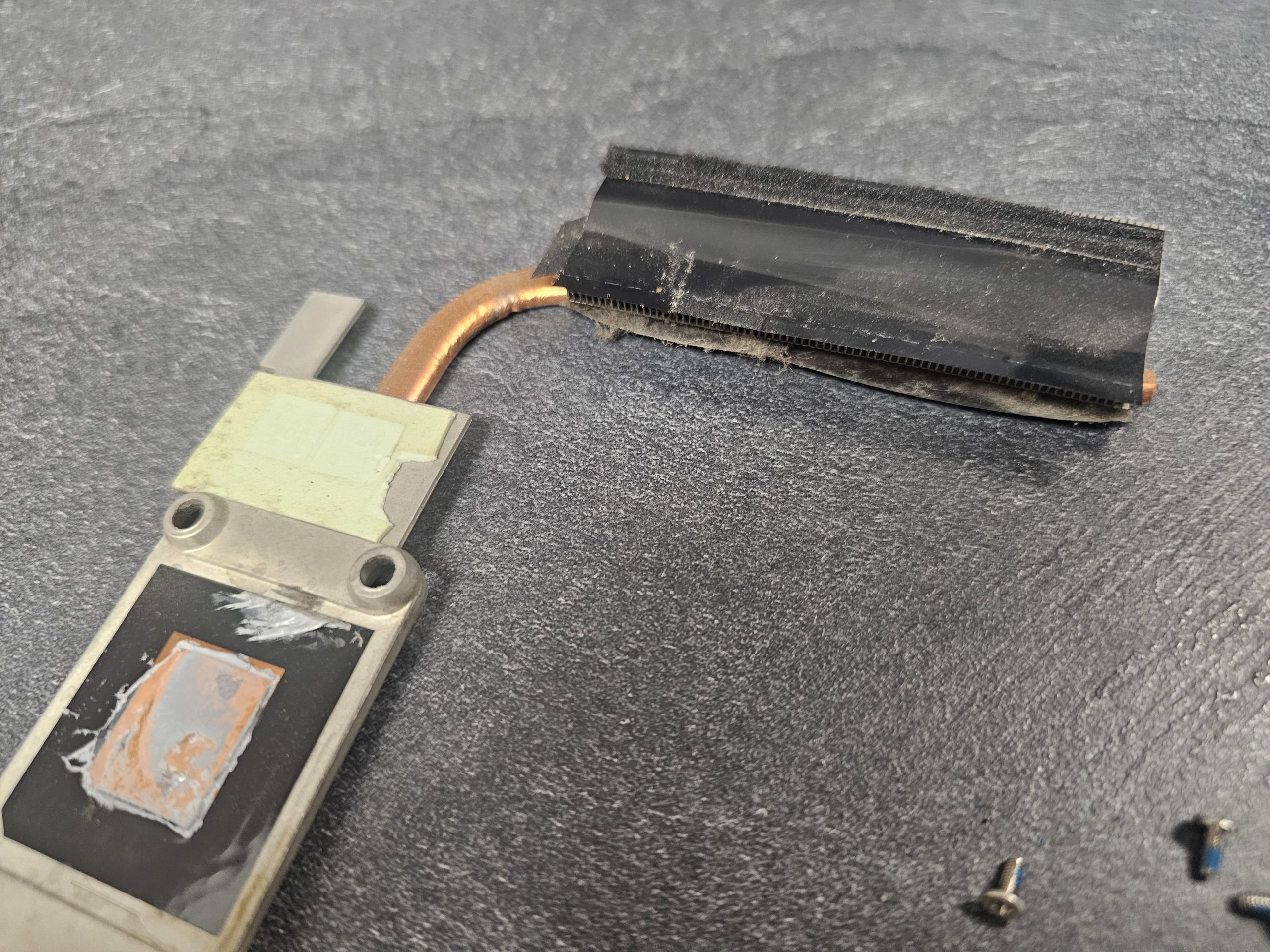
    We thoroughly clean fans and heatsinks from dust and debris. If required, thermal paste and thermal pads are replaced to restore efficient heat transfer and prevent recurring overheating.

    Reassembly and final testing

    After cleaning, the Lenovo laptop is reassembled and tested. We check temperatures, fan behavior, and overall system stability to ensure proper and quiet operation.

    When Lenovo Laptop Cleaning Is Needed

    Overheating Laptop

    1. Lenovo laptop overheating

    Tap to read more

    The laptop heats up quickly, the chassis becomes hot, and fans run almost constantly. In most cases, this is caused by dust buildup in the cooling system and degraded thermal paste.

    Laptop having loud fan noise

    2. Loud fan noise

    Tap to read more

    If the Lenovo fan is noisy even during light tasks or idle time, it usually indicates clogged heatsinks or fans working under excessive load.

    Laptop Having Perfomance issues because of the dust

    3. Performance slowdown

    Tap to read more

    The laptop becomes sluggish, freezes, or responds slowly. Overheating forces the processor and graphics chip to reduce clock speeds, lowering overall system performance.

    Laptop shutting down randomly because of the dust

    4. Unexpected shutdowns

    Tap to read more

    When internal temperatures become too high, a Lenovo laptop may suddenly shut down or reboot. This is a built-in protection mechanism against critical overheating.

    Laptop Having Small Battery Life Because Of The Dust

    5. Battery drains faster than usual

    Tap to read more

    Excessive heat increases power consumption, which accelerates battery drain and gradually reduces battery lifespan.

    Laptop Heating Up Because of the lack of cleaning

    6. Lenovo laptop warms up without heavy usage

    Tap to read more

    Even simple tasks like web browsing or idle operation cause noticeable warmth. This often points to heavy internal contamination.

    Process of Cleaning Laptop  Dust With A Brush

    7. Dust or burning smell

    Tap to read more

    A dusty or slightly burnt smell during operation may indicate overheating dust inside the laptop. This is dangerous for electronic components and requires immediate cleaning.

    Laptop Shown To Not Have A Dust Cleaning in a Long Time

    8. No maintenance for a long time

    Tap to read more

    If Lenovo laptop cleaning hasn’t been done for 12–18 months or longer, preventive maintenance is strongly recommended to avoid serious failures.

    Why choose our Lenovo laptop cleaning service in Tallinn?

    • Professional cleaning for all Lenovo laptop models.
    • Complete disassembly and deep cooling system cleaning.
    • Thermal paste and thermal pads replacement included.
    • Elimination of overheating, fan noise and performance issues.
    • Safe service following manufacturer standards.
    • Warranty on cleaning and maintenance.
    • Fast service and transparent fixed pricing.
    Pc Repair Mechanic Holding Clean laptop after cleaning and showing thumbs up

    Why do clients choose our service?

    Reliable computer repair guarantee

    We are so confident in the quality of our service that we offer a guarantee on all work carried out. The warranty period depends on the type and complexity of the repair and the equipment. Our warranty only covers the work that has been carried out, which allows us to ensure a high level of responsibility and reliability. If you have any problems after the repair, we will deal with them immediately. Our guarantee is your peace of mind and confidence in the reliability of our work.

    We strive to ensure that our customers in Tallinn receive the best computer repair service. By choosing us, you are choosing quality, efficiency, customer focus and a reliable warranty.

    Reliable warranty for computer repair

    Customer orientation

    We value each customer and offer an individual approach to each order. We have bonus schemes and discounts for regular customers, making our services even more profitable.

    The ability to call a specialist to your home or office allows you to save time and receive quality service on site. Free parking and easy access to the workshop make it convenient for you to visit us. We have also created an accessible infrastructure for customers with disabilities so that everyone can use our services without barriers.

    Client-oriented and individual approach

    Fast and efficient computer repair

    We understand the importance of getting your equipment back up and running quickly. Our engineers carry out repairs within a day, minimising downtime and getting you back to work quickly.

    Our in-house stock and established supply chains with suppliers ensure we have access to all the parts you need, speeding up the repair process. We pride ourselves on our responsiveness and always strive to get your equipment repaired as quickly as possible.

    Fast and efficient computer repair

    Get your computer repaired to the highest standards

    We offer high quality computer repair services in Tallinn. Our specialists with more than 20 years of experience guarantee professionalism and reliability. We use only professional equipment, which ensures the accuracy and durability of the work performed. Conveniently located workshop allows our craftsmen to work efficiently and with high quality, providing customers with excellent results. When you trust us, you get reliable repairs that extend the life of your equipment.
    High quality computer repair

    Frequently Asked Questions About Lenovo Laptop Cleaning

    Over time, dust accumulates inside the laptop and thermal paste loses effectiveness, reducing heat dissipation even during basic tasks.

    Yes. Quiet operation does not guarantee a clean cooling system. Overheating can develop without obvious noise.

    Standard cleaning includes dust removal and thermal paste replacement. Deep cleaning involves full disassembly, complete cooling system cleaning, thermal interface replacement, and post-service temperature testing.

    Technically yes, but it is ineffective. Without renewing thermal interfaces, overheating problems often return.

    Yes. When performed correctly with anti-static protection and proper tools, cleaning is safe. Risks usually come from DIY attempts.

    It may lead to constant overheating, reduced performance, faster battery wear, fan failure, and potential motherboard damage.

    Yes. Professional cleaning does not void warranty when done carefully and helps prevent heat-related failures.

    Lenovo laptops use different internal layouts depending on the series, requiring model-specific disassembly and service approaches.

    Typically 1–2 hours. Heavy contamination or additional service may extend the time.

    Scroll to Top