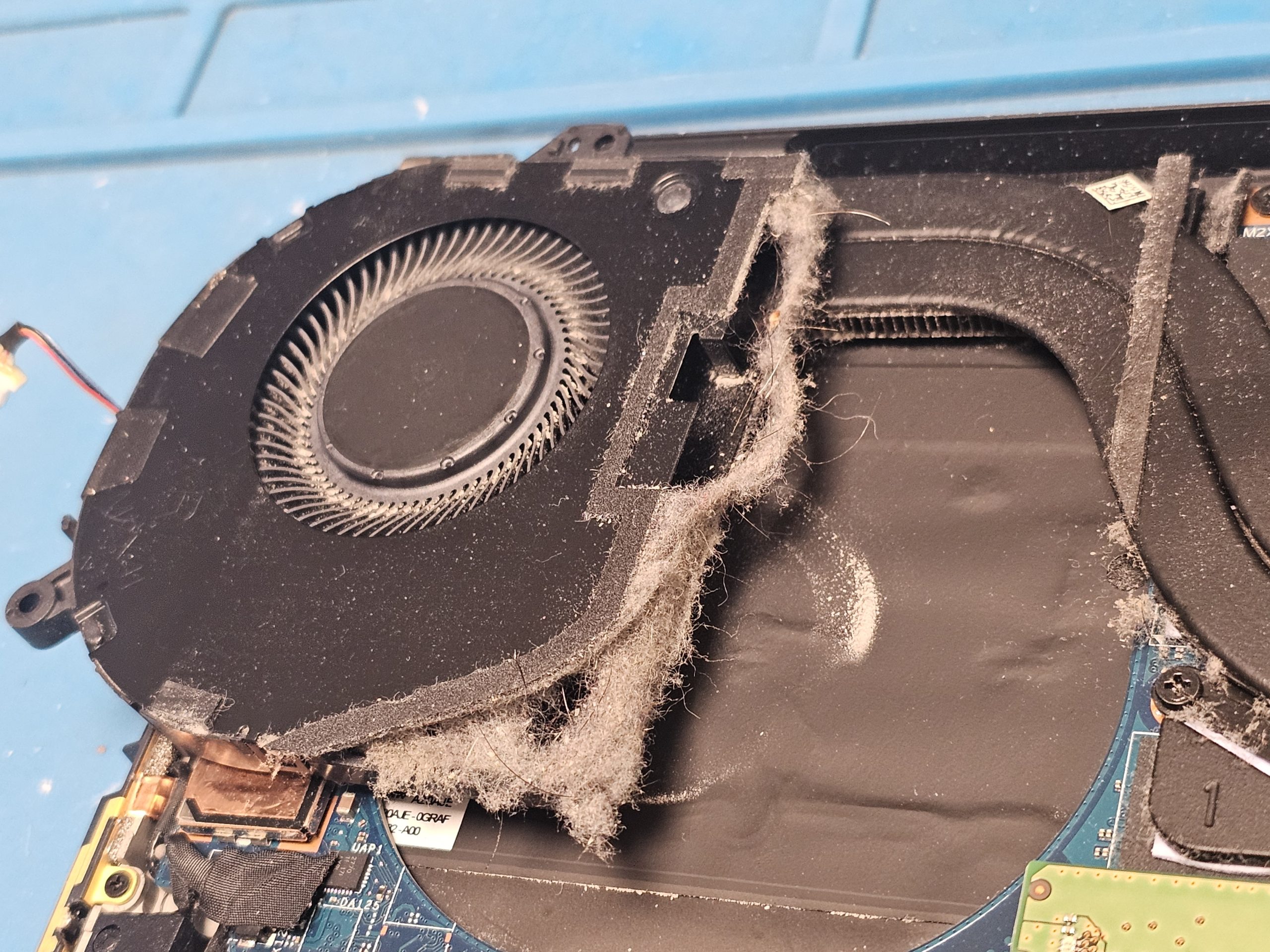
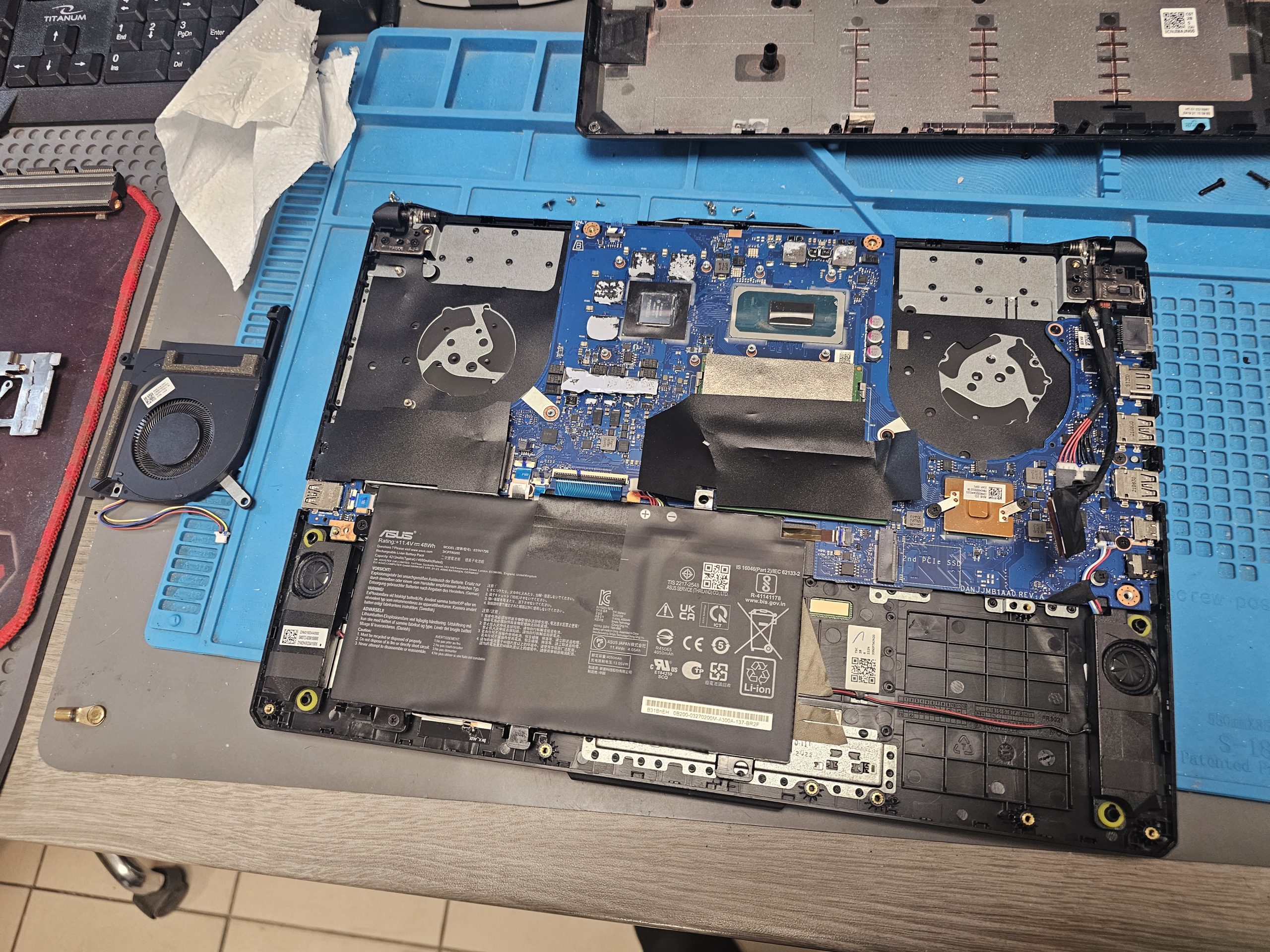
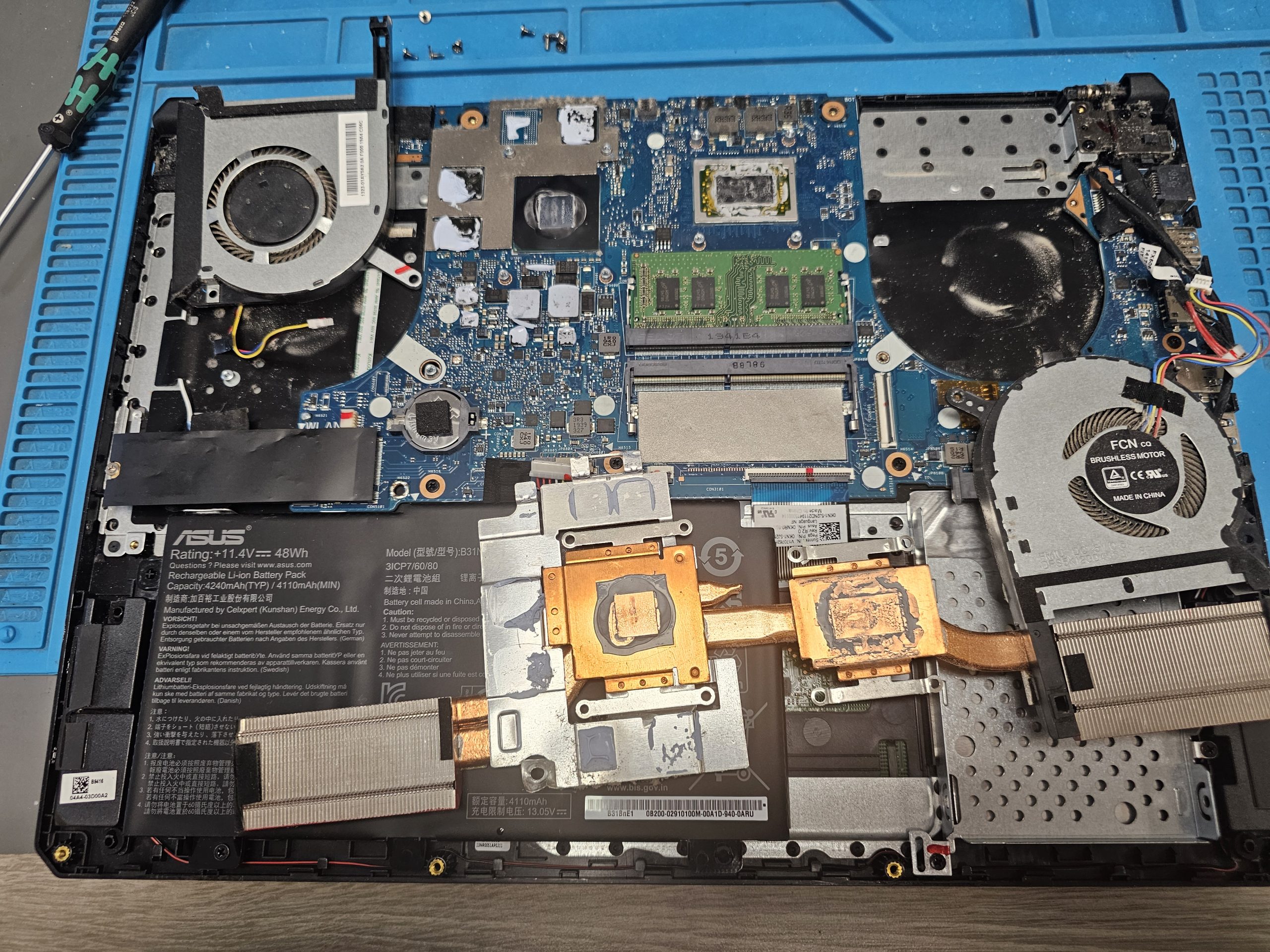
Diagnostics and condition assessment
Before starting, we check operating temperatures, contamination level, and the overall condition of the Samsung laptop’s cooling system to determine the required service scope.
+37256911777
| Services | Prices |
|---|---|
| Samsung laptop dust cleaning with thermal paste replacement | from €30 |
| Deep Samsung laptop cleaning (disassembly, cooling, thermal materials) | from €50 |
| Thermal paste replacement | from €20 |
| Liquid metal replacement (if applicable) | from €70 |
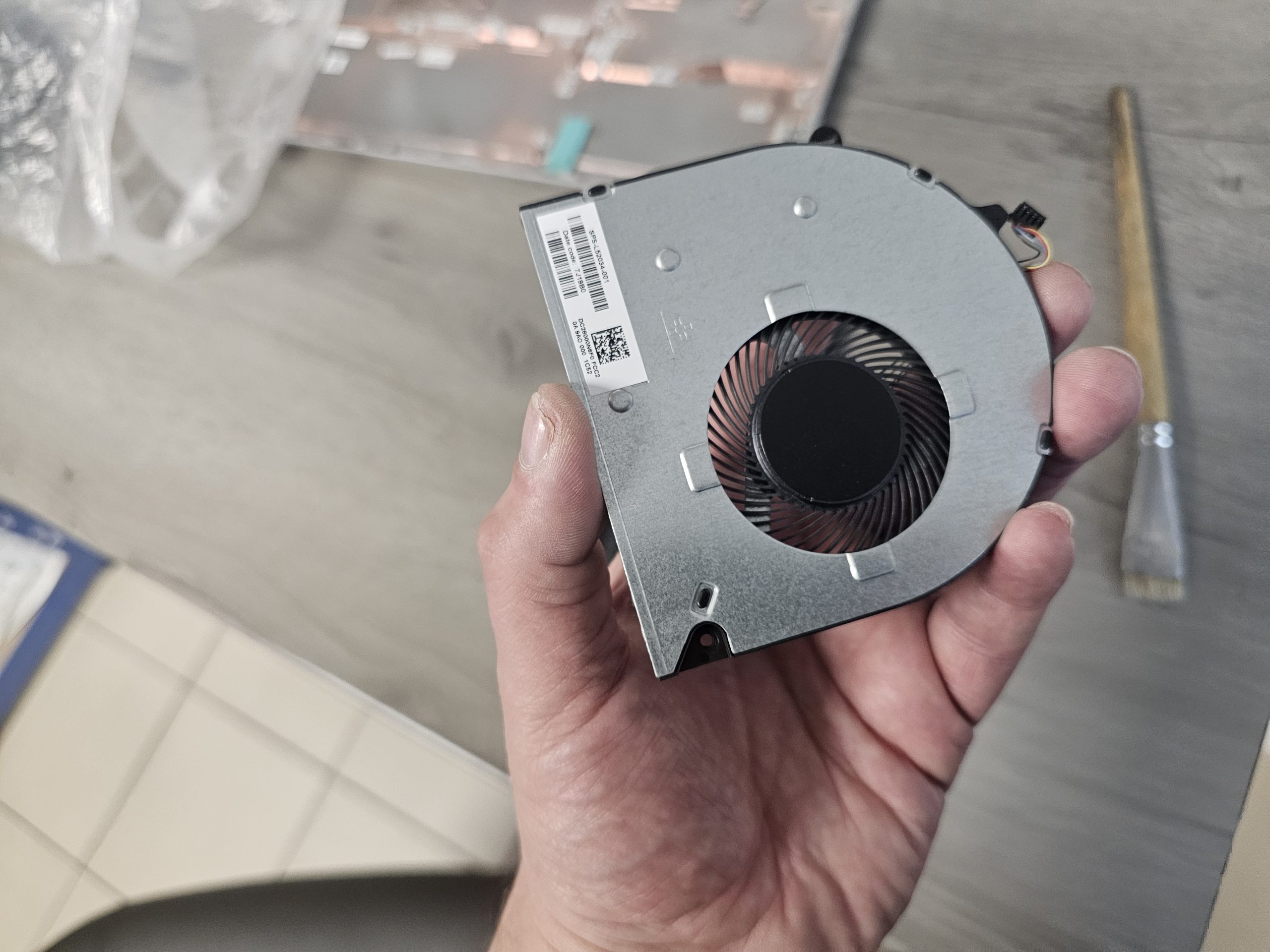
| Samsung fan replacement | from €30 |
| Cooling system replacement | from €50 |
| Additional data protection service during repair and cleaning | |
| When you bring your device in for repair, whether it is computer repair, laptop repair, all in one pc repair, or computer cleaning or laptop cleaning, we offer a unique data protection service. If your laptop or computer stores important files, we ensure their safety by temporarily removing your data drive (SSD or HDD) during the repair process. This completely eliminates any risks associated with data loss or compromise during the repair. This service is especially useful for the following procedures:
We remove the data drive, hand it over to you for temporary storage, and return it to the device after the work is completed. In each case, we include a special clause in the receipt confirming our responsibility for the confidentiality of your data. The technician performing the repair signs this clause, guaranteeing full protection of your data throughout the entire repair process. Ensure the security of your data during laptop, computer, and all in one pc repair and cleaning. We offer reliable solutions for safeguarding your information during all types of technical services. | |


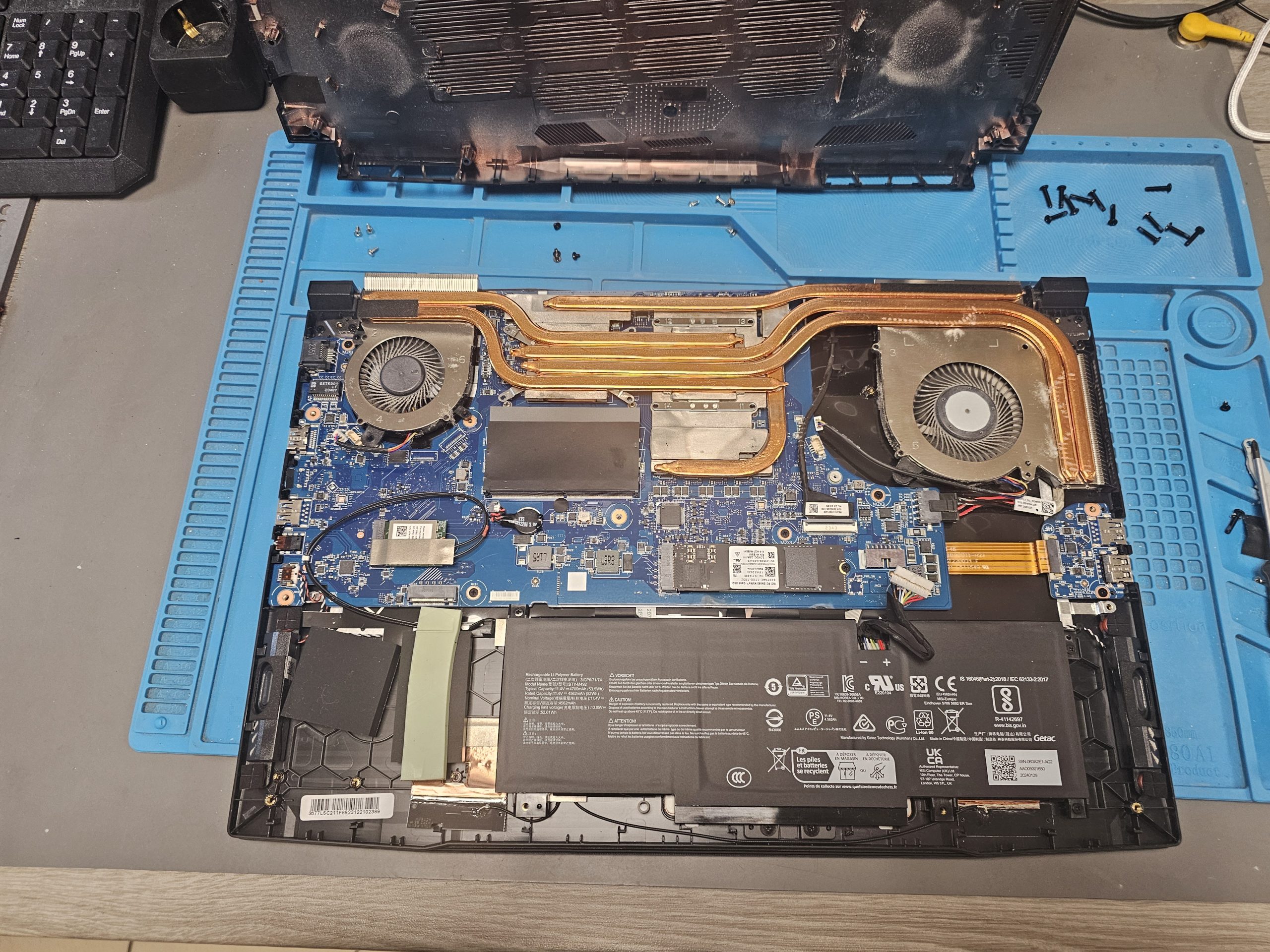
Before starting, we check operating temperatures, contamination level, and the overall condition of the Samsung laptop’s cooling system to determine the required service scope.
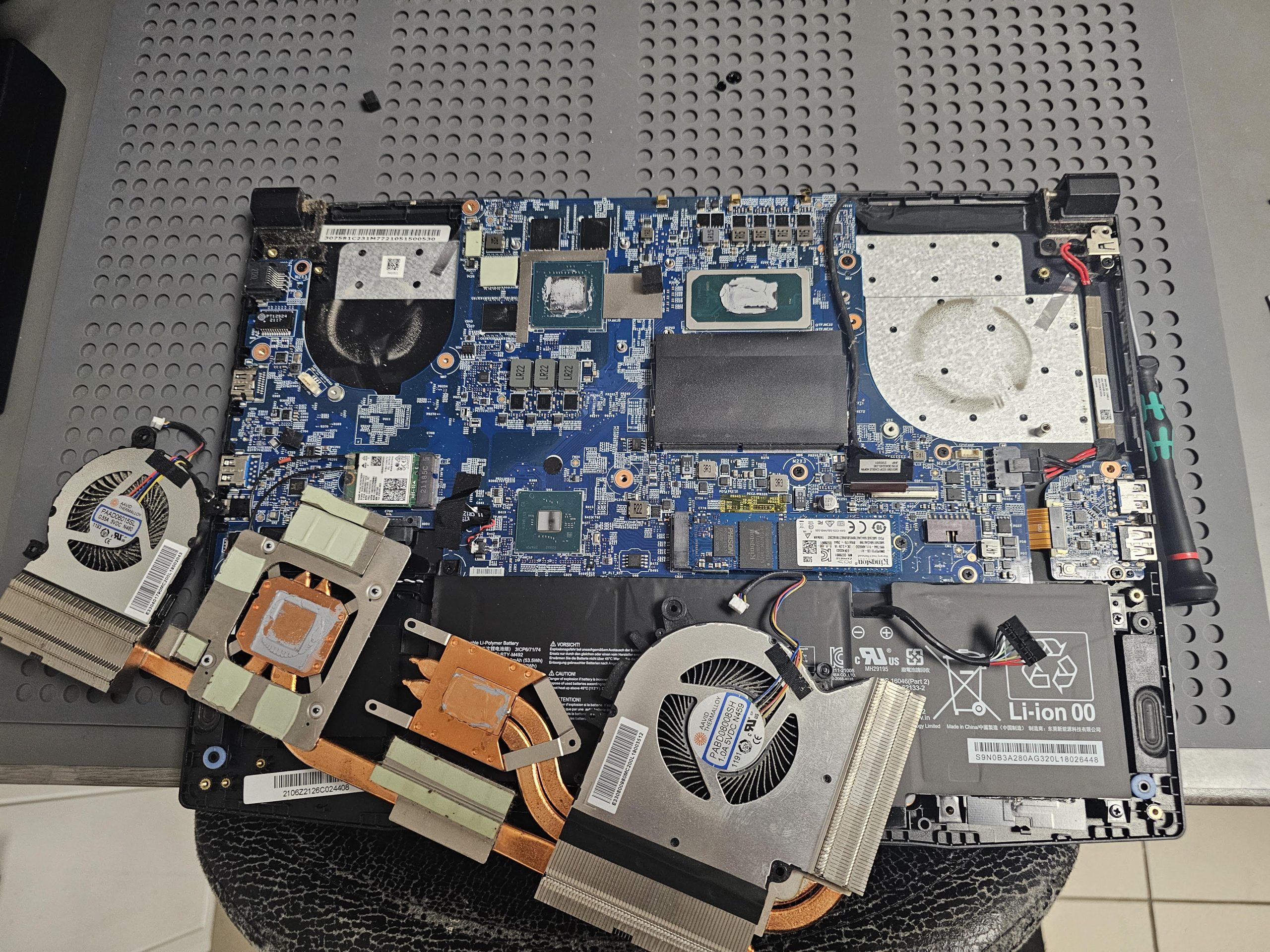
The laptop is disassembled with attention to Samsung’s slim internal design. All steps are performed carefully to avoid damage to the motherboard, cables, and connectors.
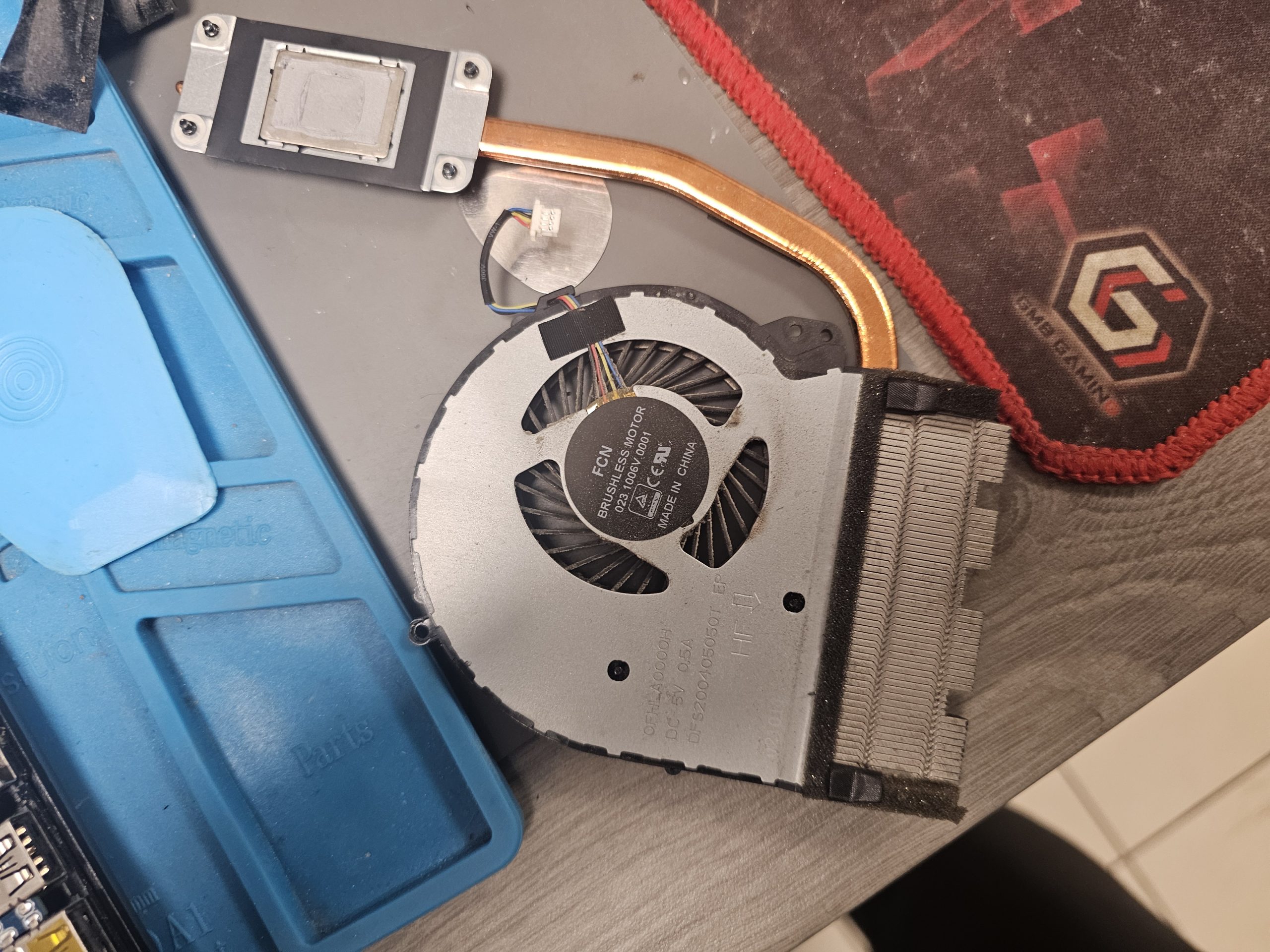
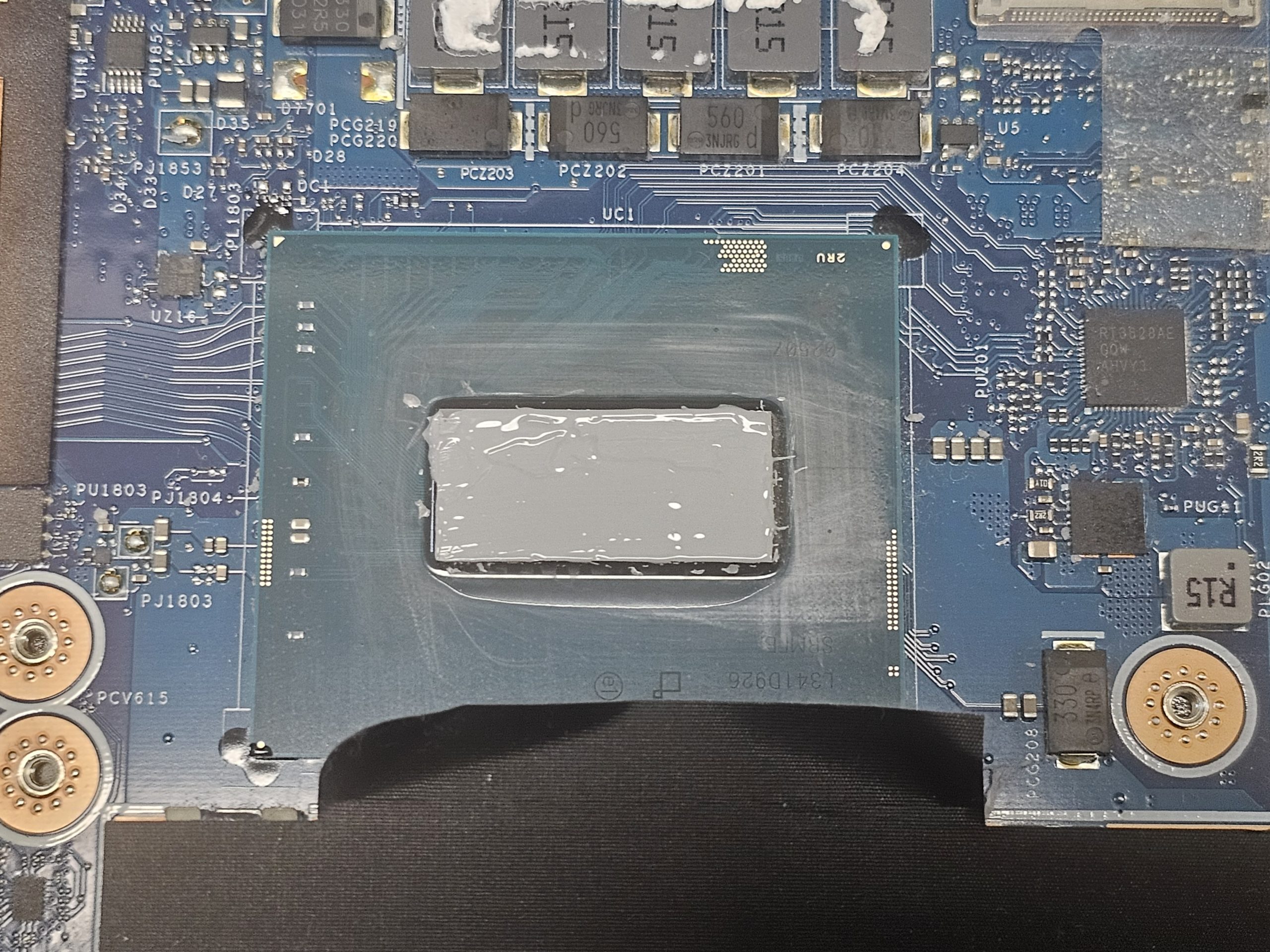
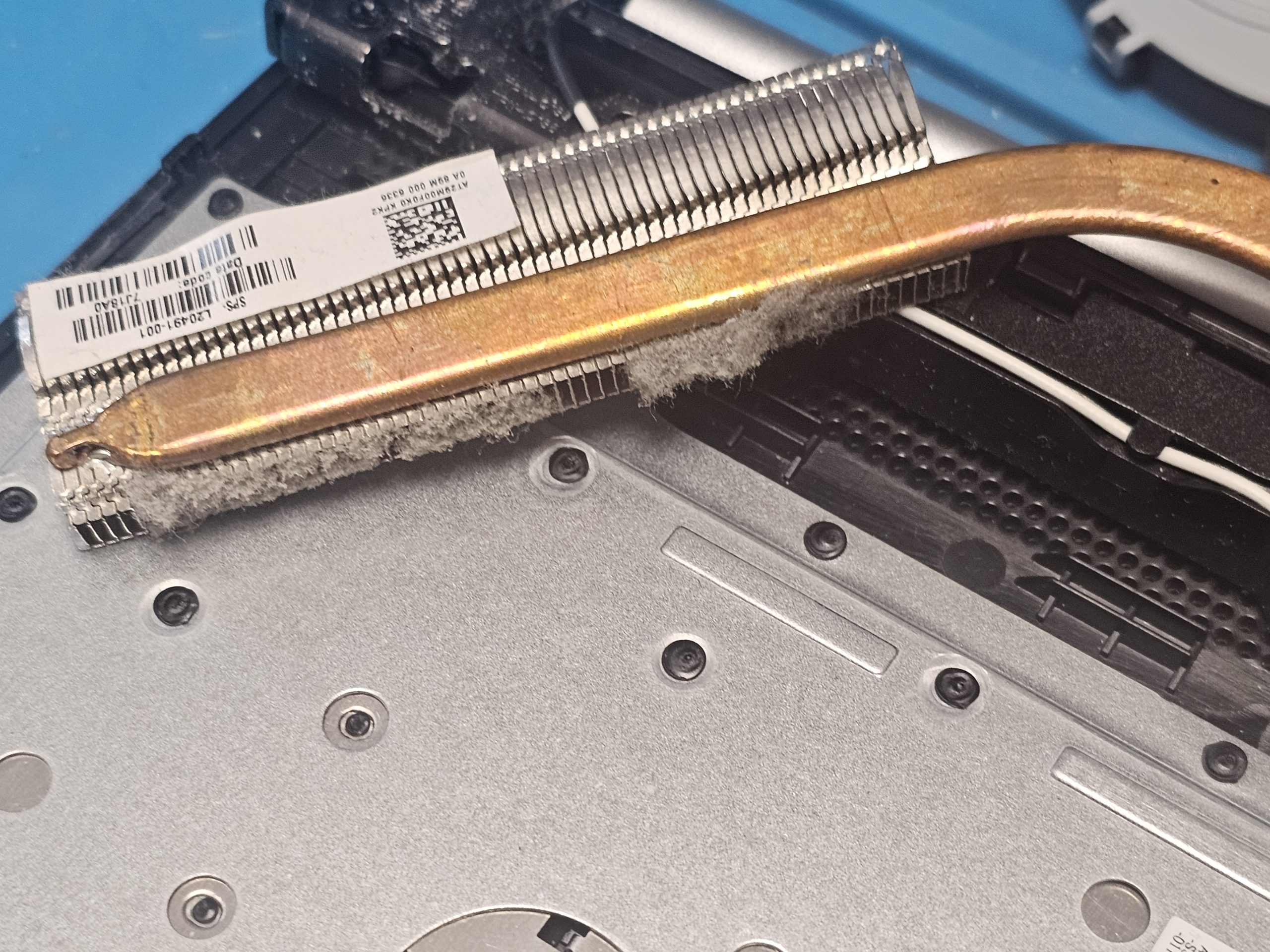
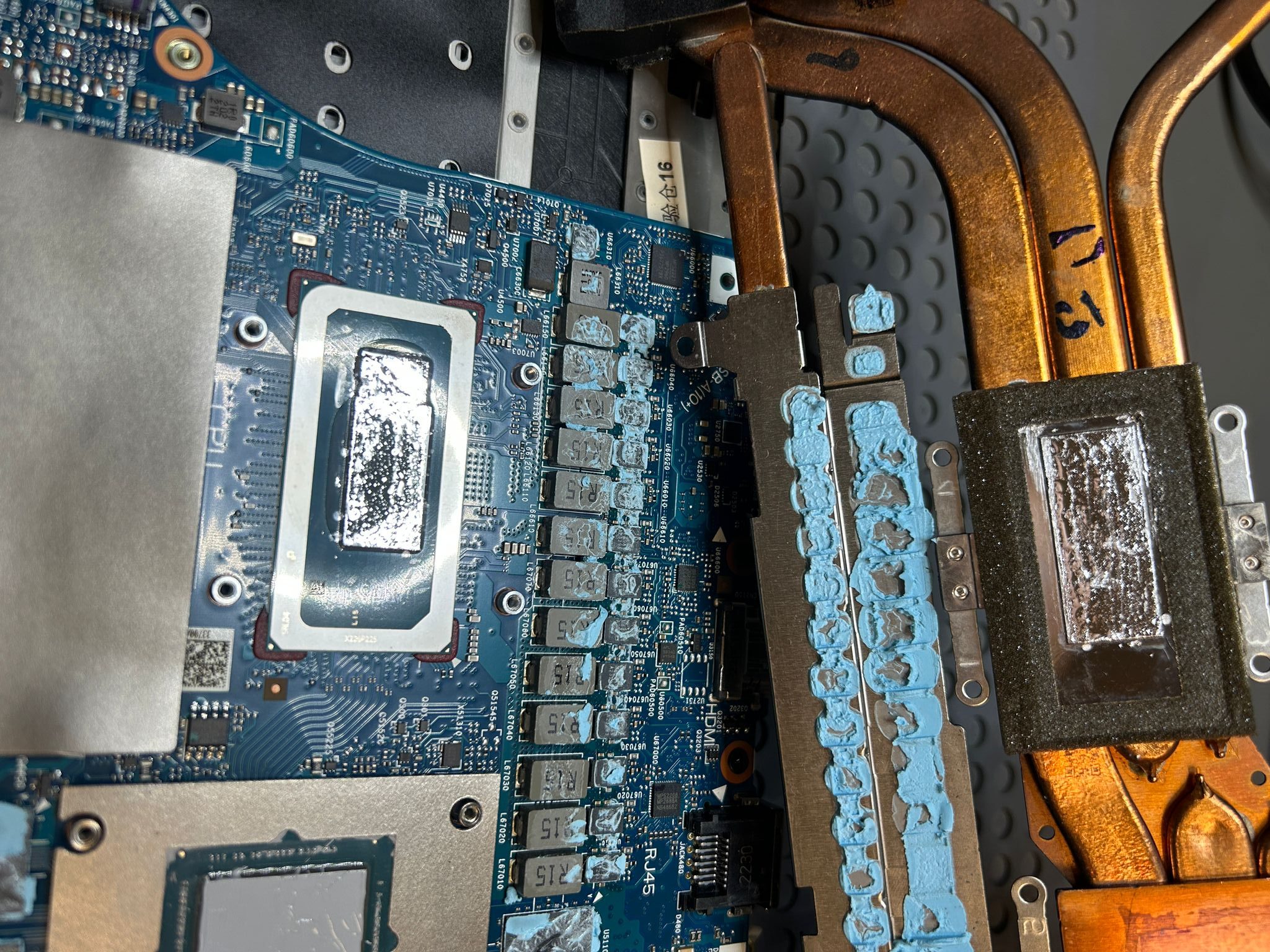
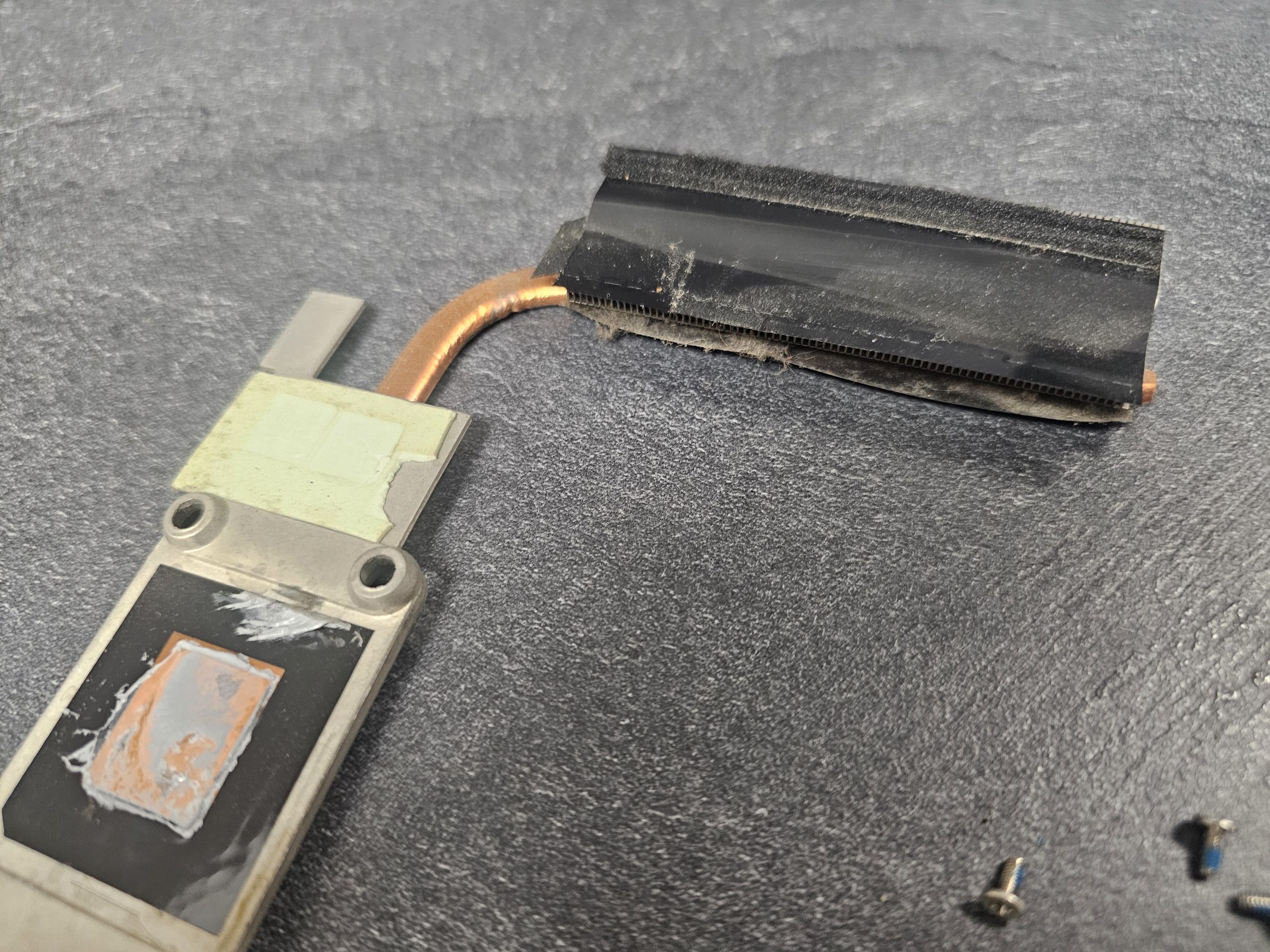
Fans and heatsinks are thoroughly cleaned from dust. When necessary, thermal paste and thermal pads are replaced to restore efficient heat transfer.
After reassembly, the Samsung laptop undergoes mandatory testing. We verify temperatures, fan operation, and overall system stability.
The laptop starts heating up quickly, the chassis becomes warm or hot, and the fan runs more frequently at higher speeds. The most common causes are dust accumulation in the cooling system and worn thermal paste.
If the Samsung fan becomes noticeably louder during light tasks, it usually indicates clogged heatsinks and reduced heat dissipation.
The laptop responds more slowly, with delays and occasional freezes. Overheating causes the processor to lower its clock speed, reducing overall system performance.
When internal temperatures reach critical levels, a Samsung laptop may shut down or restart automatically to protect internal components.
Higher operating temperatures increase power consumption, causing the battery to discharge faster and gradually reducing its lifespan.
Even during web browsing or idle operation, the device remains warm. This is often a sign of internal dust buildup.
A noticeable dusty or overheated air smell during operation indicates that internal contamination is overheating and may damage electronic components.
If Samsung laptop cleaning hasn’t been performed for more than 12–18 months, preventive maintenance is recommended to avoid serious hardware issues.
We are so confident in the quality of our service that we offer a guarantee on all work carried out. The warranty period depends on the type and complexity of the repair and the equipment. Our warranty only covers the work that has been carried out, which allows us to ensure a high level of responsibility and reliability. If you have any problems after the repair, we will deal with them immediately. Our guarantee is your peace of mind and confidence in the reliability of our work.
We strive to ensure that our customers in Tallinn receive the best computer repair service. By choosing us, you are choosing quality, efficiency, customer focus and a reliable warranty.
We value each customer and offer an individual approach to each order. We have bonus schemes and discounts for regular customers, making our services even more profitable.
The ability to call a specialist to your home or office allows you to save time and receive quality service on site. Free parking and easy access to the workshop make it convenient for you to visit us. We have also created an accessible infrastructure for customers with disabilities so that everyone can use our services without barriers.
We understand the importance of getting your equipment back up and running quickly. Our engineers carry out repairs within a day, minimising downtime and getting you back to work quickly.
Our in-house stock and established supply chains with suppliers ensure we have access to all the parts you need, speeding up the repair process. We pride ourselves on our responsiveness and always strive to get your equipment repaired as quickly as possible.
Over time, dust accumulates inside the device and thermal paste loses effectiveness, reducing heat dissipation even during basic tasks.
Yes. Quiet operation does not guarantee a clean cooling system. Overheating can develop without obvious noise.
Standard cleaning includes dust removal and thermal paste replacement. Deep cleaning involves full disassembly, complete cooling system cleaning, thermal interface replacement, and post-service testing.
Technically yes, but it is ineffective. Without replacing thermal paste, overheating issues often return quickly.
Professional cleaning is safe. Most risks occur during DIY disassembly or improper servicing.
Persistent overheating, reduced performance, faster battery wear, and potential motherboard damage.
Yes. Professional cleaning does not void warranty when performed carefully.
Samsung laptops often feature slim designs and compact cooling systems, requiring a particularly careful service approach.
Typically 1–2 hours. Heavily contaminated devices may require additional time.