...
    When are we open?
    MON - FR: (10:00 - 18:00)
    SAT - By appointment
    SUN - Closed

    Sony Computer Repair in Tallinn – Previously Popular VAIO Desktop

    We provide professional Sony computer repair in Tallinn, including previously popular VAIO Desktop models. Although these systems are no longer in production, many are still actively used at home and in offices thanks to their solid build quality and reliable design. We service classic VAIO desktops, multimedia configurations, and office systems designed for document work, internet use, and photo and video tasks.
    Repaired Sony Pc in Gray Case
    Leave your phone number and receive a 10% discount on the first repair of your device

    +37256911777

    • Urgent Sony Computer Repair
    • Warranty on Our Work
    • Same-Day Diagnostics
    • We Operate in Tallinn

    Reviews, what do people think of us?

    Google
    ★★★★⭐
    4.9 / 5
    946 Reviews
    Google Maps reviews
    Reviews from our customers posted on our website

    Real examples of Sony computer repair in Tallinn

    EE-BGA-remont-materinskoi-platy-noutbuka-stantsija-Tallinn-arvutiabi-esoft
    EE-zamena-HDMI-PlayStation-5-remont-PS5-Tallinn-arvutiabi-esoft
    EE-remont-materinskoi-platy-noutbuka-payka-chipov-Tallinn-arvutiabi-esoft
    ee vosstanovlenie ventilkatora sistemy ohlazhdenija noutbuka arvutiabi-esoft
    EE-remont-elektroniki-noutbuka-materinskaya-plata-diagnostika-Tallinn-arvutiabi-esoft
    ee-zamens-klaviatury-noutbuka-arvutiabi-esof
    EE-remont-displeya-noutbuka-matritsa-shlejf-Tallinn-arvutiabi-esoft
    EE-zamena-type-c-razjoma-pitanija-materinki-noutbuka-arvutiabi-esoft
    EE-pajka-platy-noutbuka-remont
    EE-vosstanovlenie-platy
    EE-remont-materinskoi-platy-noutbuka
    EE-vosstanovlenie-noutbuka-posle-remonta
    EE-diagnostika-noutbuka-razbor

    Services and prices

    Electronics diagnostics with a multimeter and magnifier on a circuit board in Tallinn ARVUTIABI-ESOFT OÜ

    Diagnostics

    from 10€
    • 1. Visual inspection
    • 2. Check the power supply
    • 3. Component diagnostics
    • 4. OS and software verification
    Computer components setup with motherboard, graphics card, SSD and RAM in Tallinn ARVUTIABI-ESOFT OÜ

    Replacing components

    from 5€
    • 1. Dismantling of old
    • 2. Preparation of new
    • 3. Installing new
    • 4. System testing
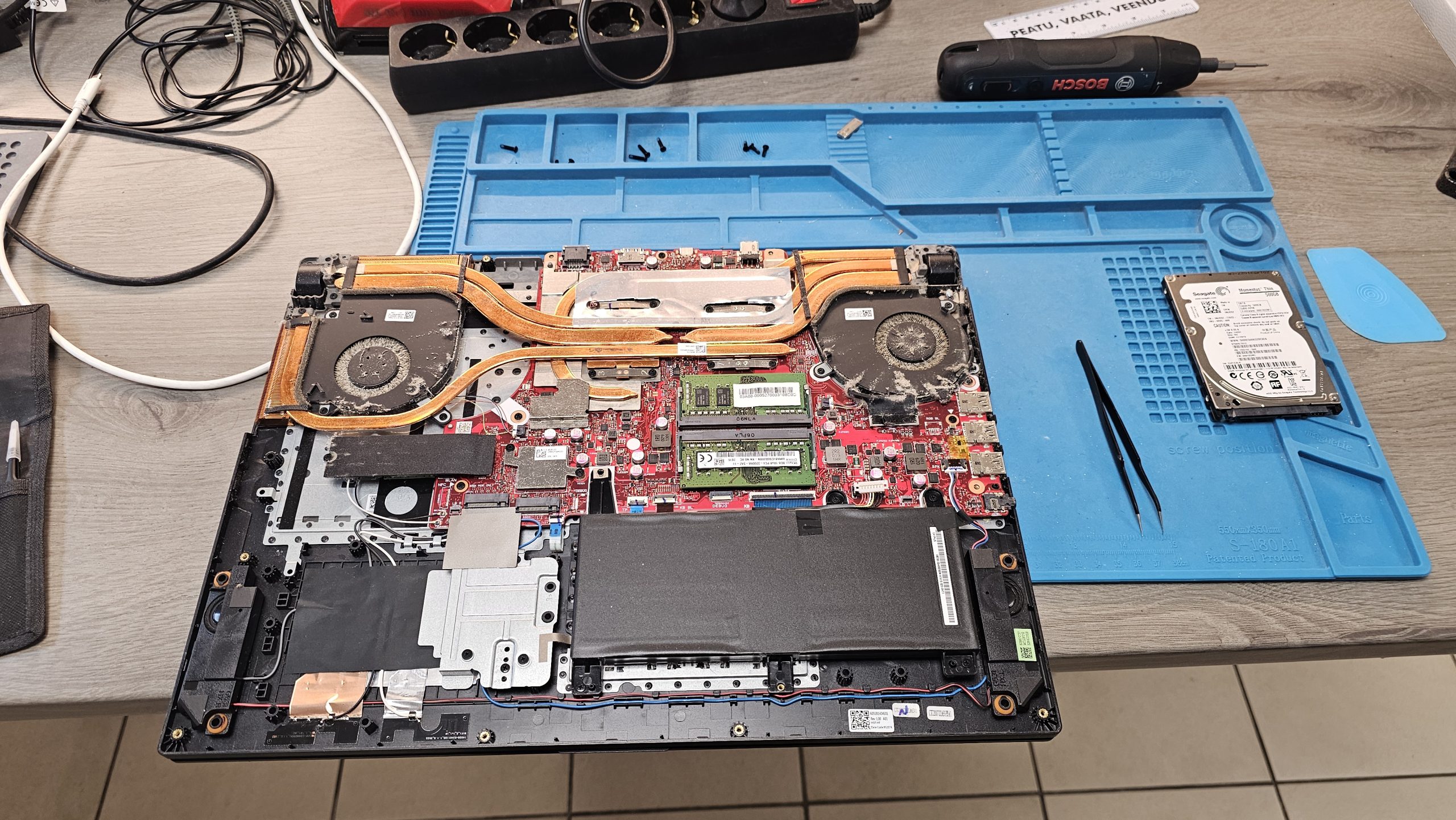
    Computer cleaning with dust removal and cooling system maintenance in Tallinn ARVUTIABI-ESOFT OÜ

    Cleaning

    from 20€
    • 1. Disassembling case
    • 2. Dusting
    • 3. Thermal interface replacement
    • 4. Thermal test
    Windows installation on a computer with system setup in Tallinn ARVUTIABI-ESOFT OÜ

    OS installation

    from 30€
    • 1. Preparing the computer
    • 2. BIOS setup
    • 3. System installation
    • 4. OS setup
    Services Prices
    Diagnostics from €10
    Cooling system cleaning and thermal paste replacement from €20
    System recovery from €20
    Windows reinstallation from €30
    Internet connection setup from €10
    Malware removal from €10
    Software installation from €10
    System optimization and registry cleanup from €10
    Antivirus installation from €10
    Component replacement from €5
    Sony motherboard installation from €20
    Processor (CPU) installation from €20
    Graphics card (GPU) installation from €5
    HDD or SSD (SATA / NVMe) installation from €5
    Air cooling system installation from €20
    Liquid cooling system installation (AIO / custom loop) from €30
    Power supply (PSU) installation or replacement from €20
    RAM installation from €5
    BIOS / UEFI configuration from €10
    BIOS flashing with programmer from €50
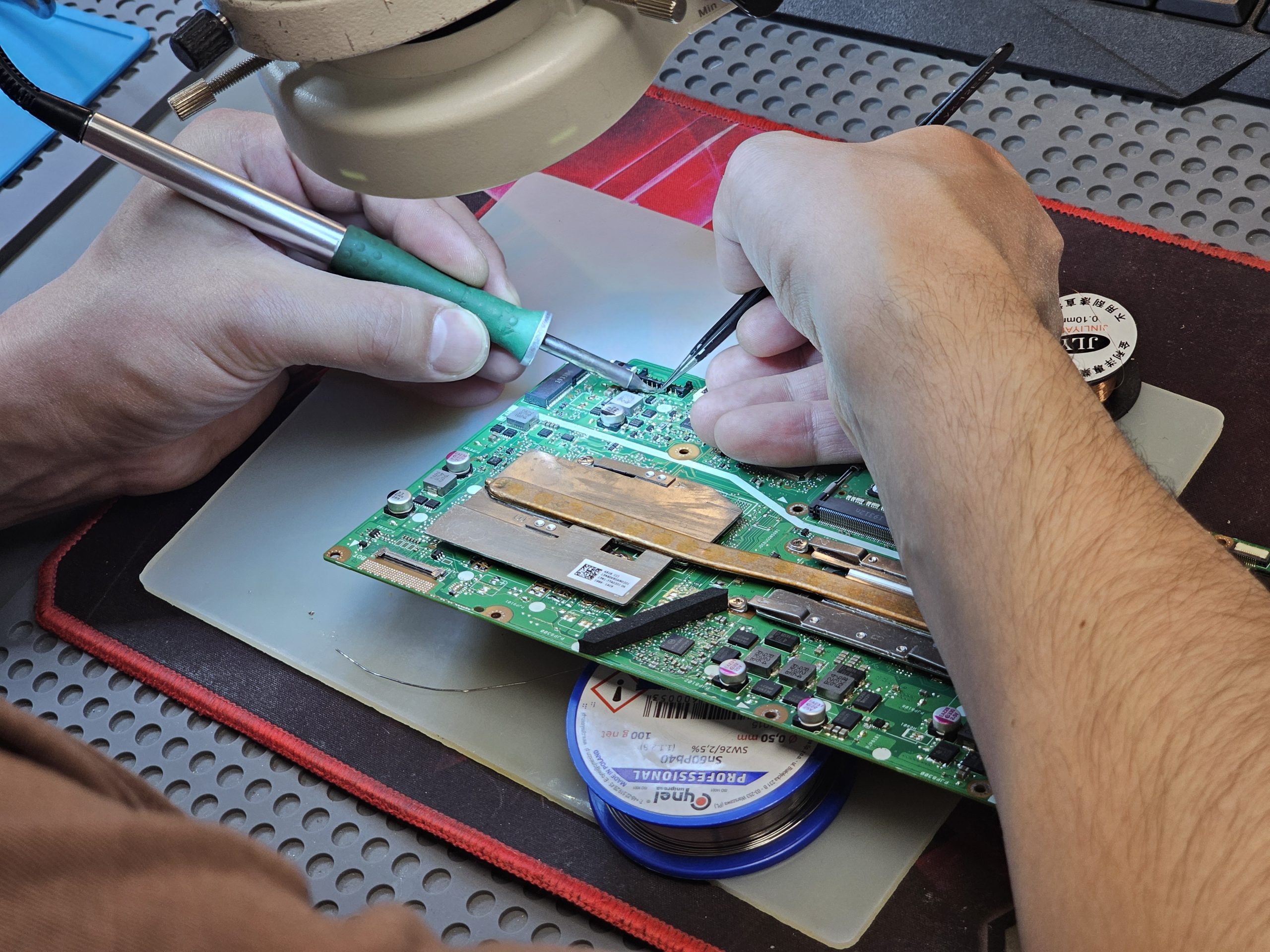
    Sony motherboard repair from €80
    Cable management (internal cable routing and organization) from €10
    Sony PC assembly or full rebuild from €40
    Additional data protection service during repair and cleaning

    Sony VAIO Desktop Computer Repair Process

    Initial Inspection

    Sony VAIO computer repair in Tallinn begins with a detailed inspection and primary diagnostics. We evaluate how the system responds to power-on: whether hardware initialization completes correctly, if the processor and RAM are properly detected, and whether an image appears on.

    Advanced Diagnostics

    If the initial inspection does not provide a clear conclusion, we proceed with comprehensive diagnostics. We thoroughly examine storage devices for wear and read/write errors, test RAM under load, evaluate the performance of the power supply unit, and inspect the Sony.

    {step_image_alt}

    Work Approval and Repair

    After diagnostics, we provide a clear technical report explaining the cause of the issue. We discuss available repair options — from restoring a specific component to replacing worn parts.

    Testing and Handover

    Before returning the device, every Sony VAIO computer undergoes mandatory testing under real operating conditions. We verify system stability, temperature performance, storage reliability, and correct operation of all interfaces.

    Common Issues with Sony VAIO Desktop Computers

    PC overheating and cooling system noise repair

    1. Overheating and Increased Cooling System Noise

    Tap to read more

    Sony VAIO Desktop computers were designed as stylish and compact solutions for home and office use. However, over time dust accumulates inside the case, and the thermal paste on the processor loses its effectiveness.

    PC SSD or hard drive failure repair

    2. SSD or Hard Drive Failure

    Tap to read more

    If a Sony VAIO takes a long time to start, freezes while working with files, or displays the message “No Boot Device,” the issue is most often related to the storage drive.

    PC power supply issues repair

    3. Power Supply Unit Issues

    Tap to read more

    If the Sony computer does not respond to the power button, shuts down unexpectedly, or restarts during operation, the power supply unit should be checked.

    PC graphics card GPU problems repair

    4. Graphics Card (GPU) Problems

    Tap to read more

    Screen artifacts, image distortion, flickering, or no display signal may indicate issues with the graphics subsystem.

    PC boot loop repair

    5. Boot Loop or Continuous Restart

    Tap to read more

    If a Sony VAIO repeatedly restarts and fails to complete the Windows boot process, the issue may be related to RAM, BIOS settings, CPU overheating, or storage drive errors.

    PC Windows errors and boot problems repair

    6. Windows Errors and Startup Problems

    Tap to read more

    Blue screen (BSOD), freezing on the Windows logo, or automatic system repair are common problems in older Sony VAIO models. Causes may include corrupted system files, driver conflicts, or hard drive failure.

    PC port failures USB HDMI DisplayPort LAN repair

    7. Port Failures (USB / HDMI / DisplayPort / LAN)

    Tap to read more

    If the computer does not recognize connected devices, fails to display an image on a monitor, or cannot connect to the network, the issue may involve a damaged port or motherboard controller.

    PC liquid damage and component failure repair

    8. Liquid Damage and Component Corrosion

    Tap to read more

    Liquid entering the Sony VAIO case can cause short circuits and gradual oxidation of internal contacts. Even if the computer continues to power on, corrosion may slowly damage critical motherboard components.

    Why Trust Us with Sony VAIO Desktop Computer Repair?

    • Practical experience working with Sony VAIO desktop computers, including previously popular Desktop models.
    • Professional hardware and software diagnostics using specialized equipment and precision measuring tools.
    • Maintenance and upgrades for Sony VAIO systems to ensure stable performance in office applications, accounting software, and everyday tasks.
    • Sony motherboard repair, power circuit restoration, and resolution of complex hardware issues at the component level.
    • Warranty on completed repairs and installed components.
    • Clear repair timelines and transparent pricing with no hidden charges.
    Technician with laptop giving thumbs up

    Why do clients choose our service?

    Reliable computer repair guarantee

    We are so confident in the quality of our service that we offer a guarantee on all work carried out. The warranty period depends on the type and complexity of the repair and the equipment. Our warranty only covers the work that has been carried out, which allows us to ensure a high level of responsibility and reliability. If you have any problems after the repair, we will deal with them immediately. Our guarantee is your peace of mind and confidence in the reliability of our work.

    We strive to ensure that our customers in Tallinn receive the best computer repair service. By choosing us, you are choosing quality, efficiency, customer focus and a reliable warranty.

    Reliable warranty for computer repair

    Customer orientation

    We value each customer and offer an individual approach to each order. We have bonus schemes and discounts for regular customers, making our services even more profitable.

    The ability to call a specialist to your home or office allows you to save time and receive quality service on site. Free parking and easy access to the workshop make it convenient for you to visit us. We have also created an accessible infrastructure for customers with disabilities so that everyone can use our services without barriers.

    Client-oriented and individual approach

    Fast and efficient computer repair

    We understand the importance of getting your equipment back up and running quickly. Our engineers carry out repairs within a day, minimising downtime and getting you back to work quickly.

    Our in-house stock and established supply chains with suppliers ensure we have access to all the parts you need, speeding up the repair process. We pride ourselves on our responsiveness and always strive to get your equipment repaired as quickly as possible.

    Fast and efficient computer repair

    Get your computer repaired to the highest standards

    We offer high quality computer repair services in Tallinn. Our specialists with more than 20 years of experience guarantee professionalism and reliability. We use only professional equipment, which ensures the accuracy and durability of the work performed. Conveniently located workshop allows our craftsmen to work efficiently and with high quality, providing customers with excellent results. When you trust us, you get reliable repairs that extend the life of your equipment.
    High quality computer repair

    Frequently Asked Questions About Sony VAIO Desktop Computer Repair

    If your Sony VAIO starts booting slowly, freezes while working with documents, or restarts unexpectedly, it is a clear sign that the system should be checked. Even if the computer powers on and appears to function, instability may indicate storage wear, CPU overheating, or power-related issues.

    In older Sony VAIO desktop models, hard drive wear is one of the most frequent problems, often resulting in slow system startup and read/write errors. Power supply instability and CPU overheating due to dust buildup are also common.

    We offer complete Sony VAIO computer repair in Tallinn, including diagnostics, hard drive and SSD replacement, power supply repair or replacement, cooling system maintenance, and RAM installation.

    Initial diagnostics are usually completed on the same day. Repair time depends on the type of issue and the availability of parts for the specific Sony VAIO Desktop model.

    The repair cost depends on the condition of the device, the complexity of the issue, and the scope of required work. For example, storage replacement or cooling system cleaning is typically more affordable than motherboard repair.

    Yes, we provide a warranty for completed repairs and installed components. This applies to both hardware repairs and software services such as system restoration and Windows configuration.

    Without proper experience and tools, there is a risk of damaging the motherboard, connectors, or power components. In older Sony VAIO models, internal components are often tightly arranged, and improper handling can complicate future repairs.

    Scroll to Top